
AliceBlue
Tradeboard provides seamless integration with AliceBlue, enabling you to connect your trading strategies with AliceBlue’s brokerage services. Follow this guide to set up your AliceBlue broker account with Tradeboard.
Prerequisites
Before proceeding, ensure you have the following:
- An active AliceBlue trading account.
- Access to the AliceBlue ANT website.
- Tradeboard installed and configured on your local machine.
Steps to Create the AliceBlue API Secret Key
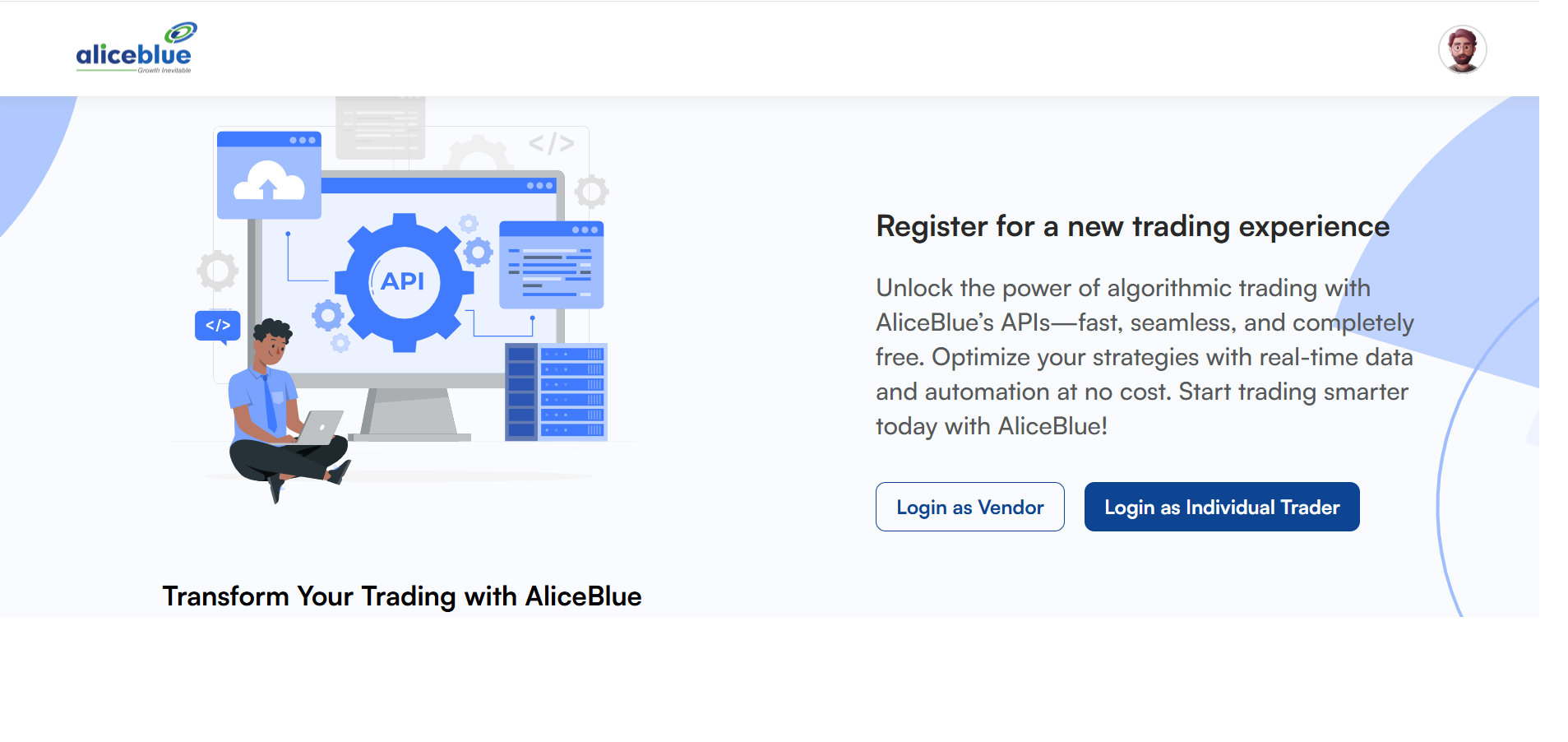
- To register as a Individual trader/Vendor,
- Navigate to the https://a3.aliceblueonline.com/
- Select Login as Individual Trader
- Enter your credentials to log in.
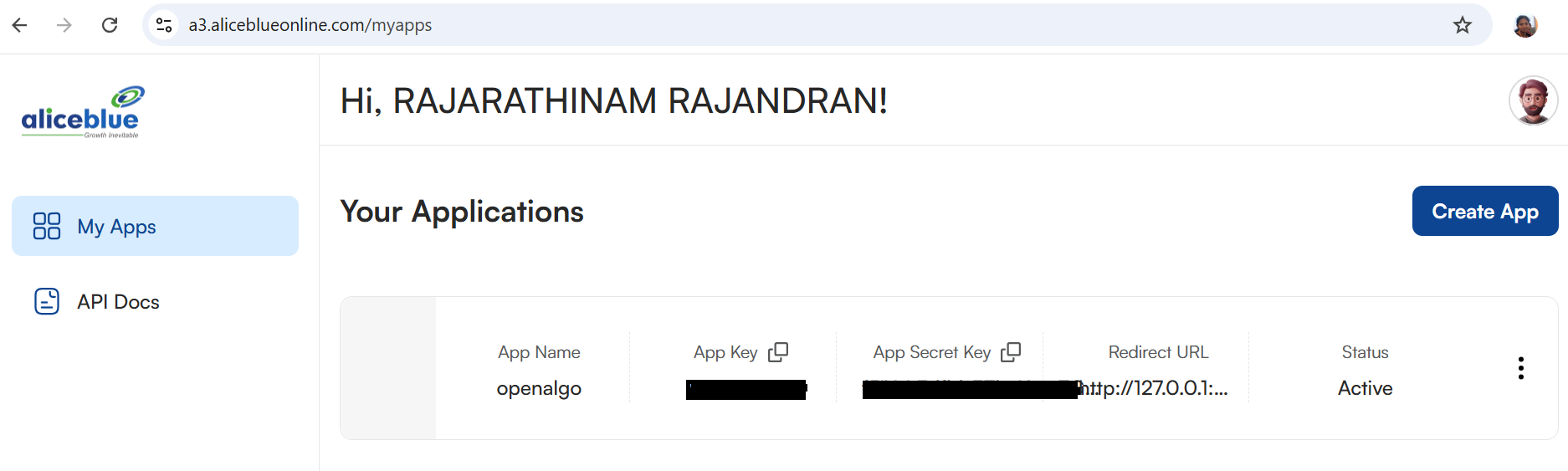
- Access My Apps
- On the top right corner, click on Create App.
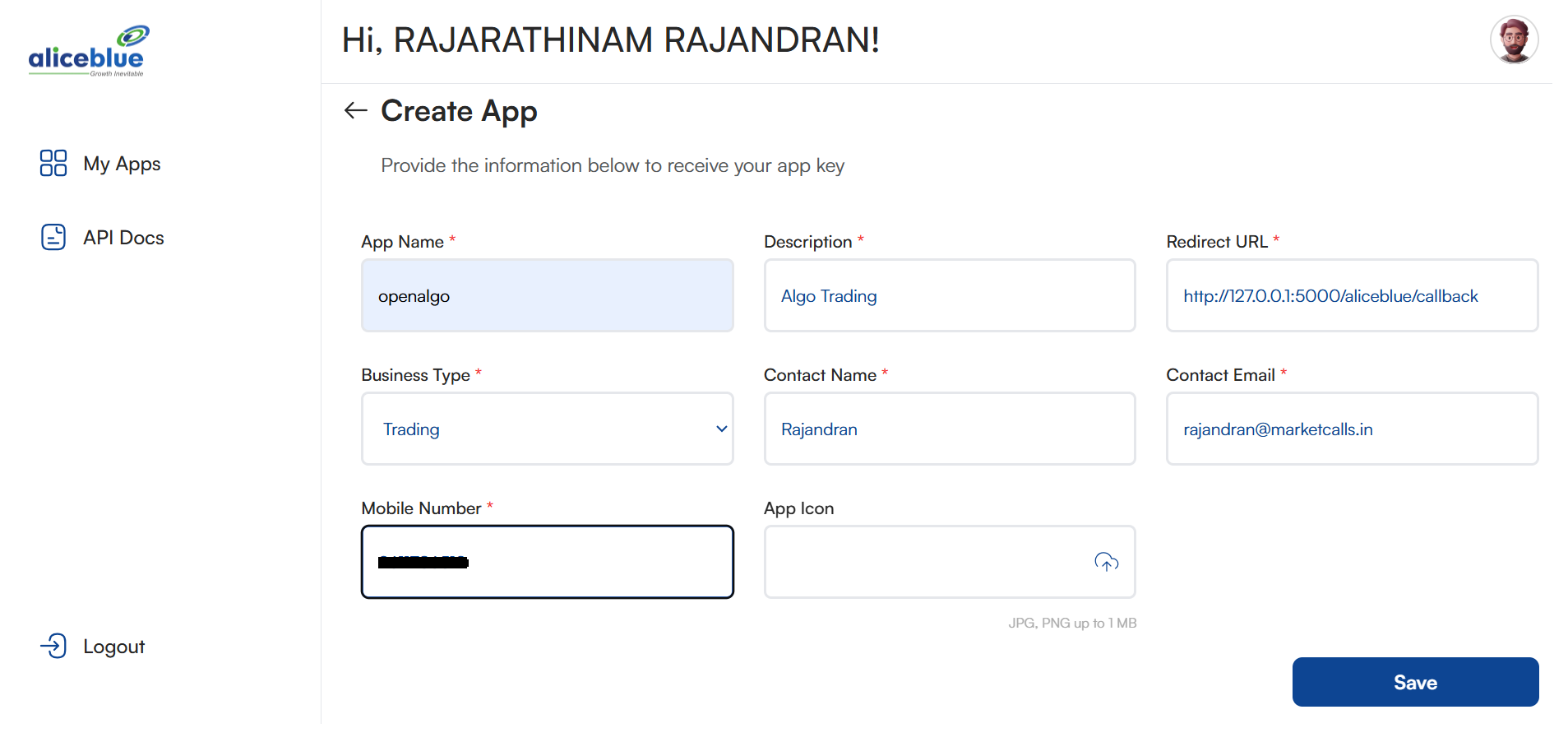
- Fill up the Mandatory Fields.
- Save it
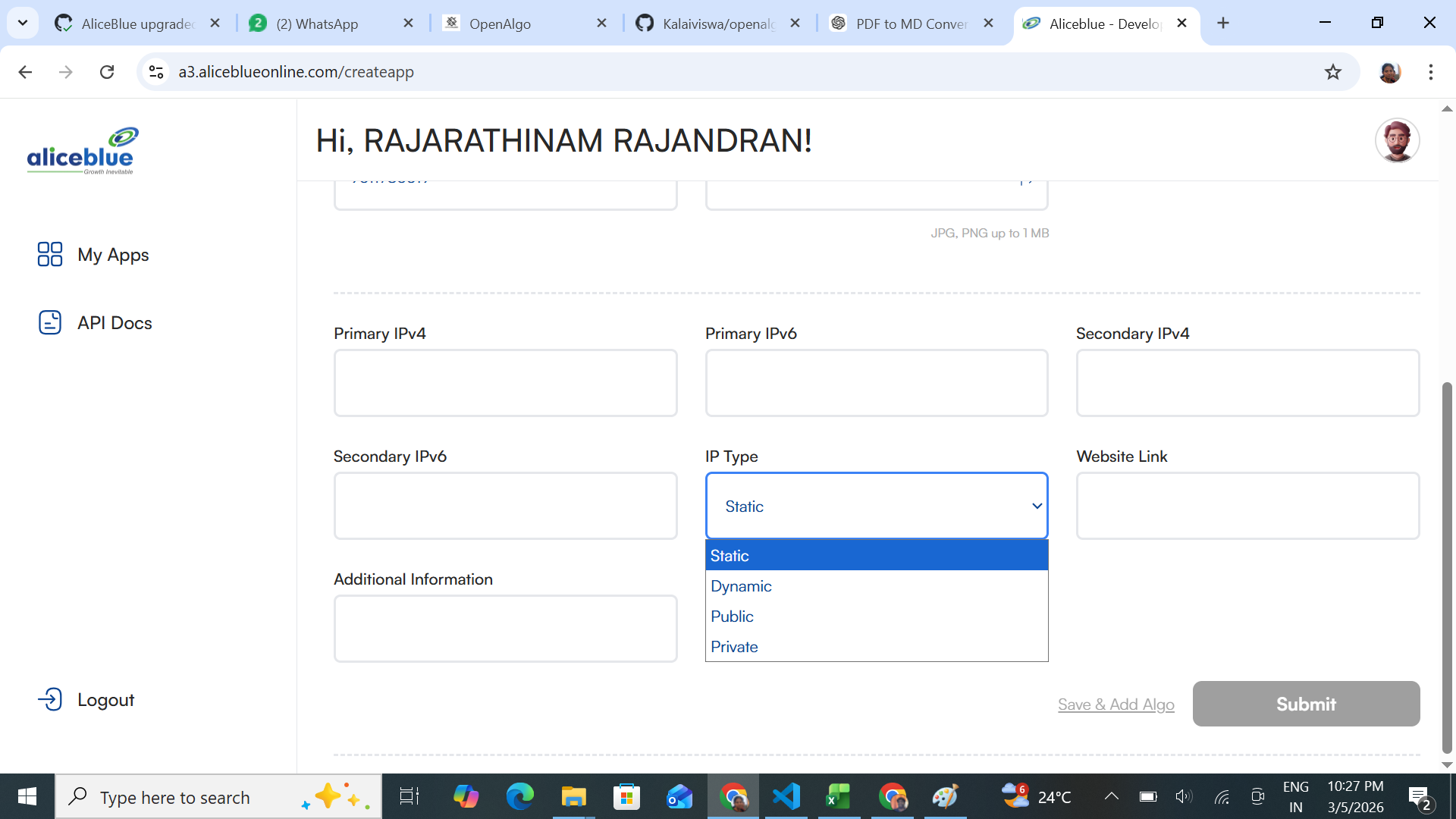
- Fill up the Ip address , select the IP Type from the drop down and submit it.
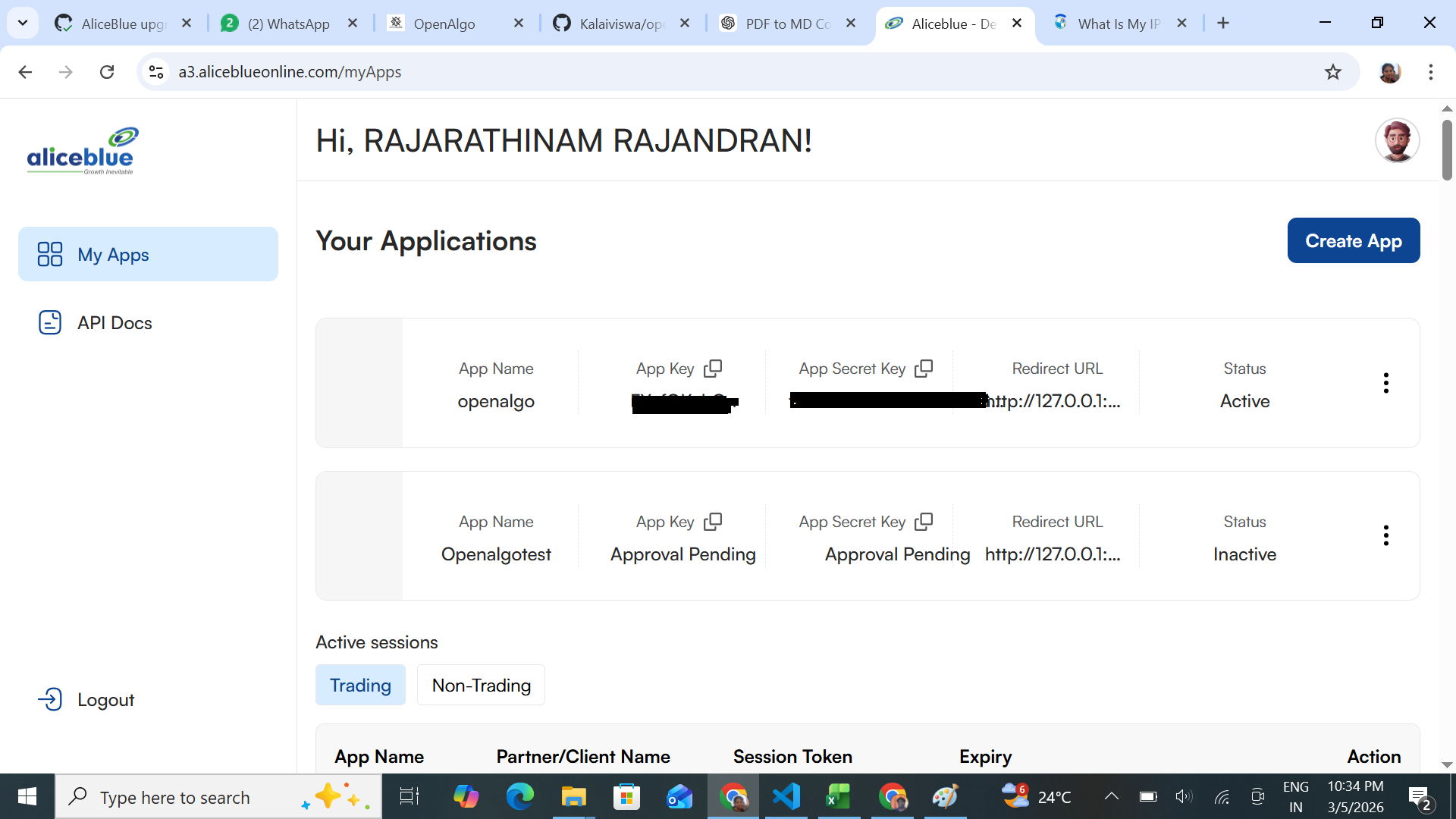
- Generate API Key
- If you don’t already have an API key, generate a new one by following the on-screen instructions.
- Note down the App Code and the API Secret Key, as both are required for configuring the
.envfile.
Configuring the .env File
AliceBlue uses an OAuth redirect login. Tradeboard sends the App Code of the app you created to https://ant.aliceblueonline.com/?appcode=..., and AliceBlue calls back with an authCode and userId. Tradeboard then signs userId + authCode + apiSecret and exchanges the result for a session.
So BROKER_API_KEY holds the App Code of your app, not your AliceBlue login user ID. Below is a sample configuration for the .env file:
# AliceBlue Broker Configuration
BROKER_API_KEY = 'your_app_code_here'
BROKER_API_SECRET = 'your_api_secret_here'
REDIRECT_URL = 'http://127.0.0.1:5000/aliceblue/callback'
Replace your_app_code_here with the App Code shown for your AliceBlue app and your_api_secret_here with the generated API secret key.
Important Notes
- Ensure that your API Secret Key is stored securely and is not shared publicly.
- The REDIRECT_URL should match the one registered with your API application.
Follow these steps to integrate AliceBlue with Tradeboard successfully. If you encounter any issues, refer to the AliceBlue API documentation for further assistance.
Supported Exchanges
Tradeboard reads this plugin's exchange list from broker/aliceblue/plugin.json and serves it to the app, so symbol search, the Strategy Builder and the tools pages only offer what the plugin actually handles.
- Tradable:
NSE,BSE,NFO,BFO,CDS,BCD,MCX - Index feeds:
NSE_INDEX,BSE_INDEX