
FlatTrade
FlatTrade is an Indian discount broker recognized for its flat-fee brokerage model, which ensures cost-effective trading solutions for investors. The platform supports trading across multiple asset classes, including stocks, derivatives, and commodities, via its intuitive mobile and web applications. With features like real-time data feeds, customizable charting tools, and fast order execution, FlatTrade is designed to cater to traders seeking affordability without compromising on essential functionality.
Getting API Credentials
To integrate Flattrade with Tradeboard, follow these steps to obtain your API key and secret:
1. Log in to Flattrade Wall
• Login to Wall https://wall.flattrade.in
Enter your Flattrade login credentials.
2. Navigate to Pi in top menu bar , select api(v2) and click on “CREATE NEW API KEY”.
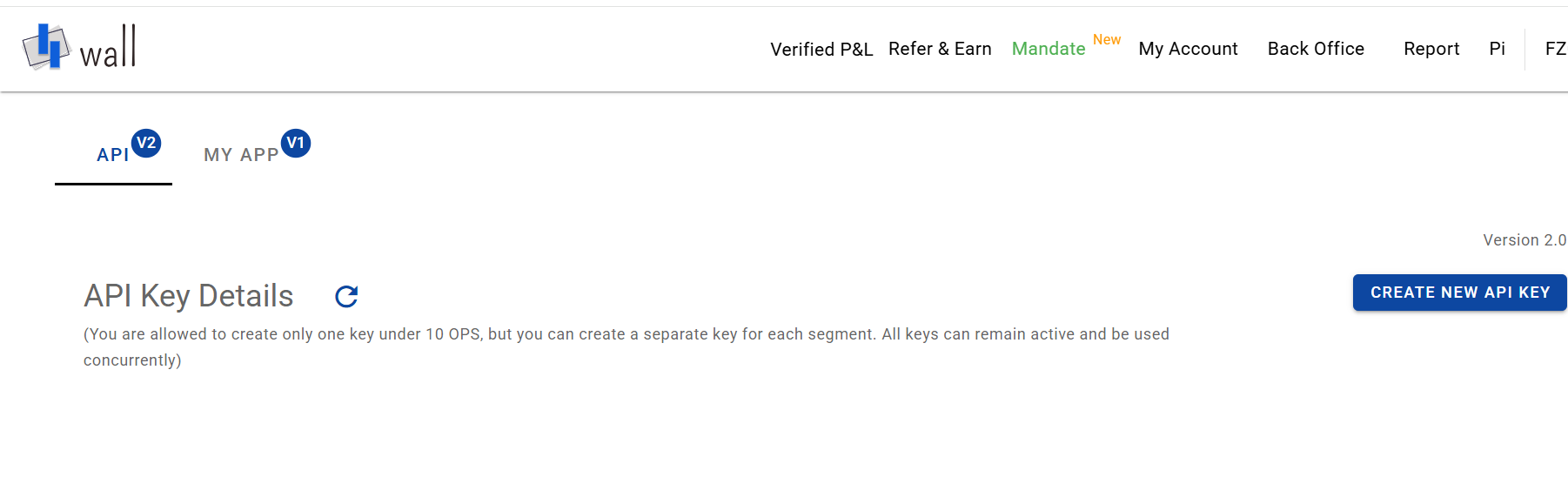
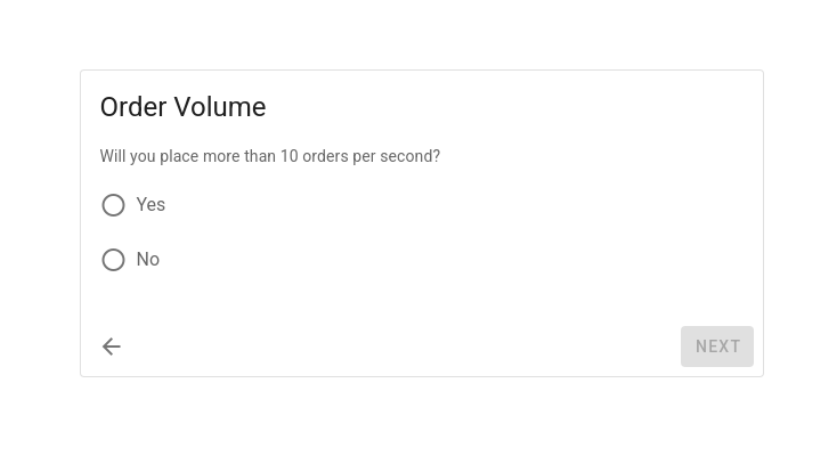
3.Click on Create the New API Key, select Order Volume :
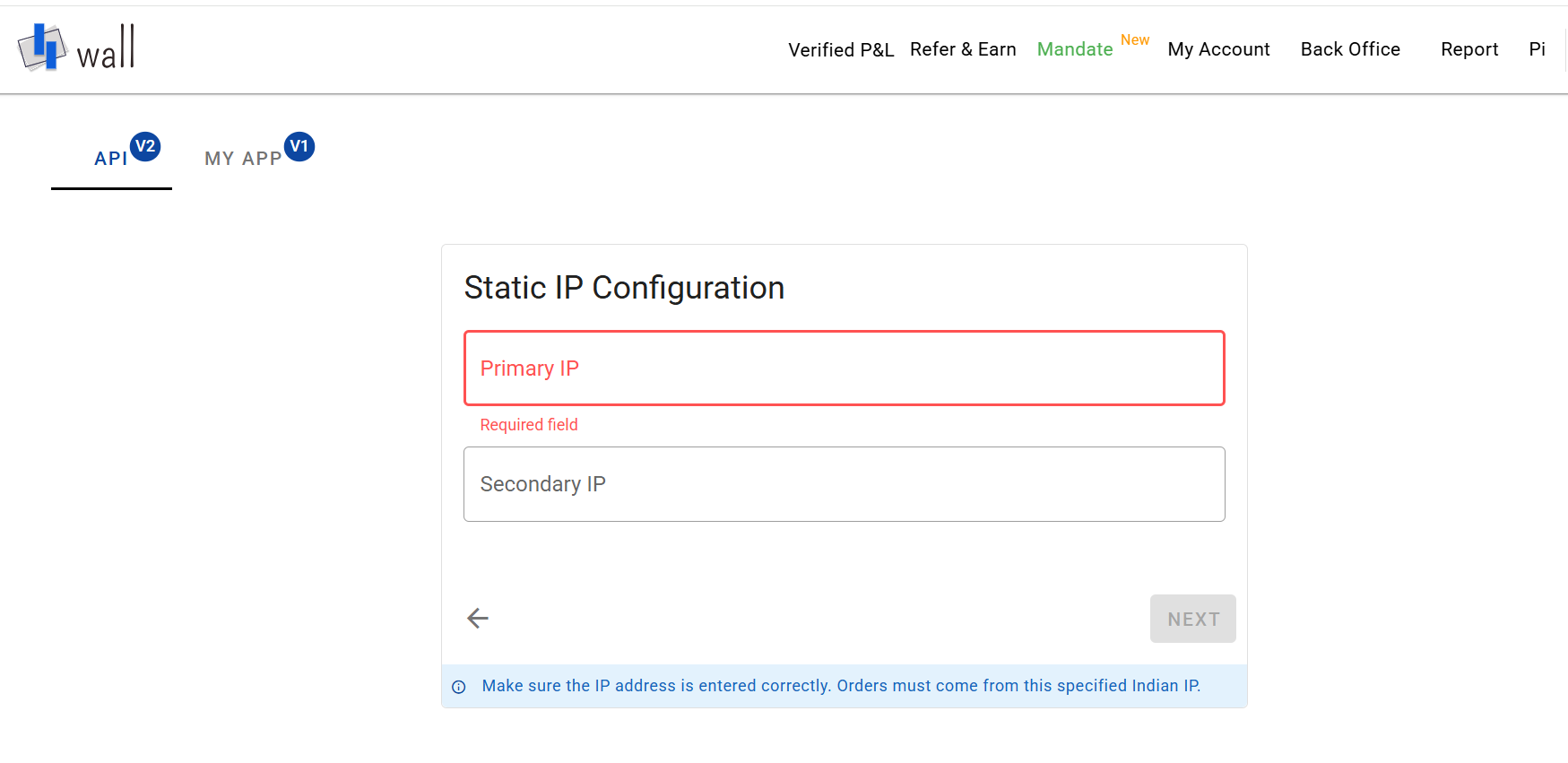
4.Enter your IP Configuration (Primary IP is required, Secondary is optional), then click Next
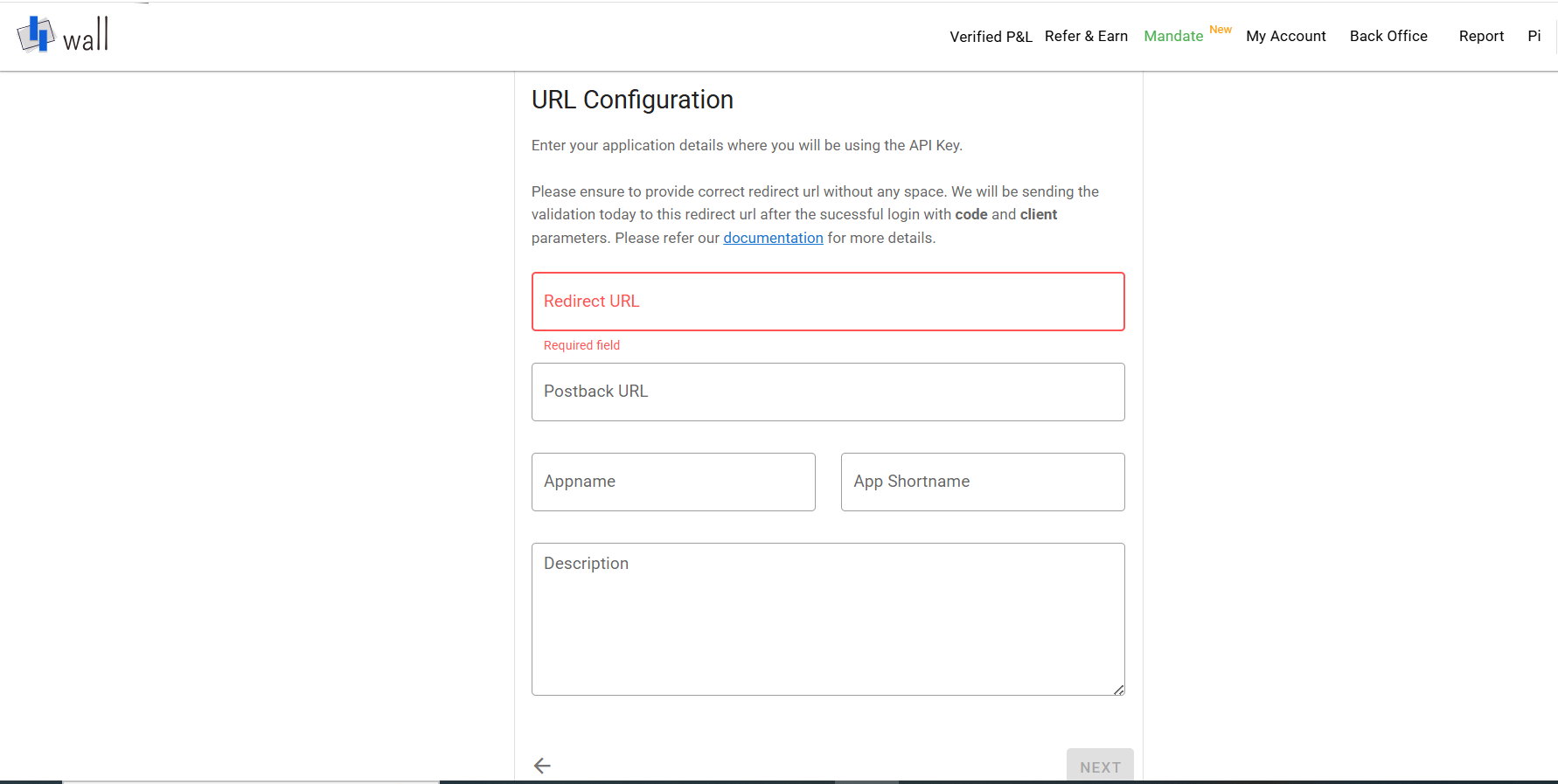
5.Fill out the URL Configuration
6.Review the Configuration Summary, tick the box to accept Terms & Conditions, and Submit
7.Your request will show as Pending. Once approved,, your API key is ready!
8.Your API key is now generated
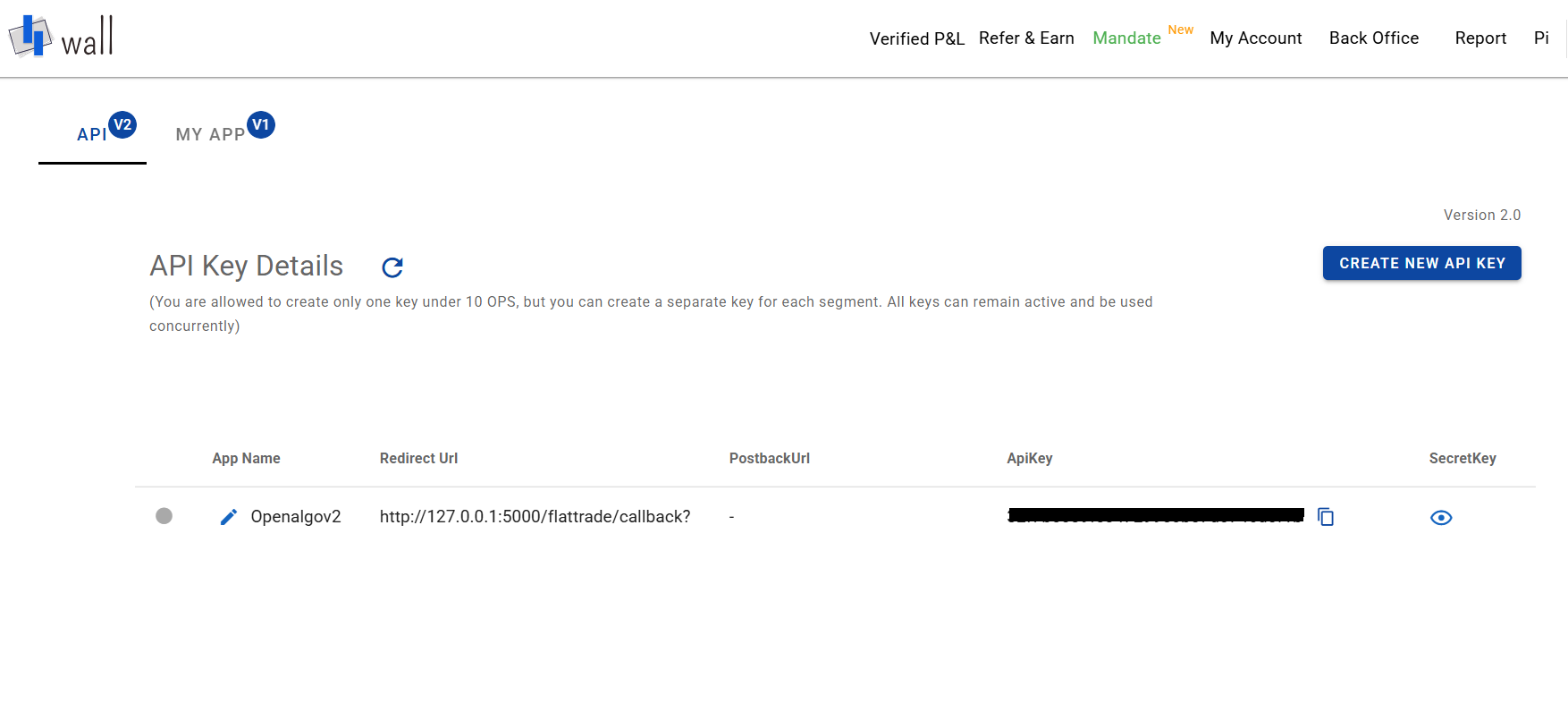
9.Click the eye icon to reveal your Secret Key, then copy both API and Secret Key and start building!
10. Configure Tradeboard:
• In your Tradeboard .env file, set the following variables:
BROKER_API_KEY = 'client_id:::api_key'
BROKER_API_SECRET = 'api_secret'
REDIRECT_URL = 'http://127.0.0.1:5000/flattrade/callback'
Supported Exchanges
Tradeboard reads this plugin's exchange list from broker/flattrade/plugin.json and serves it to the app, so symbol search, the Strategy Builder and the tools pages only offer what the plugin actually handles.
- Tradable:
NSE,BSE,NFO,BFO,CDS,MCX - Index feeds:
NSE_INDEX,BSE_INDEX