
Shoonya
Shoonya, developed by Finvasia, is a trading platform in India that allows users to trade across multiple segments including equities, commodities, currencies, and derivatives. The platform is accessible via mobile, web, and desktop applications, offering features like advanced charting tools, real-time data, and integration with third-party platforms for algorithmic trading.
Getting API Credentials
To integrate Shoonya with Tradeboard, follow these steps to obtain your API key and secret:
1. Log in to Shoonya Prism:
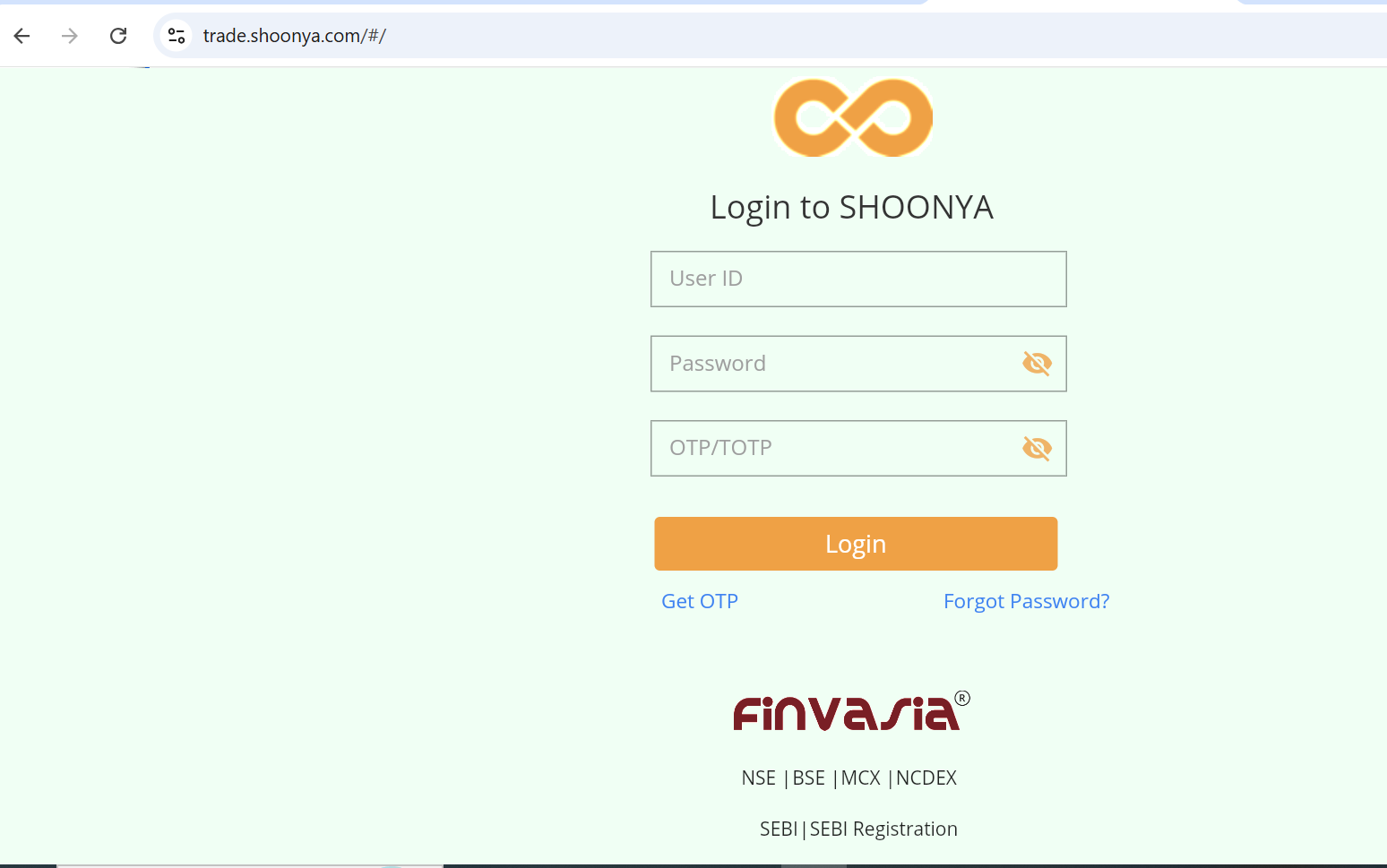
• Visit https://trade.shoonya.com/.
• Enter your Shoonya login credentials.
2. Generate API Credentials:
• After logging in, navigate to the API Key section in your profile dropdown.
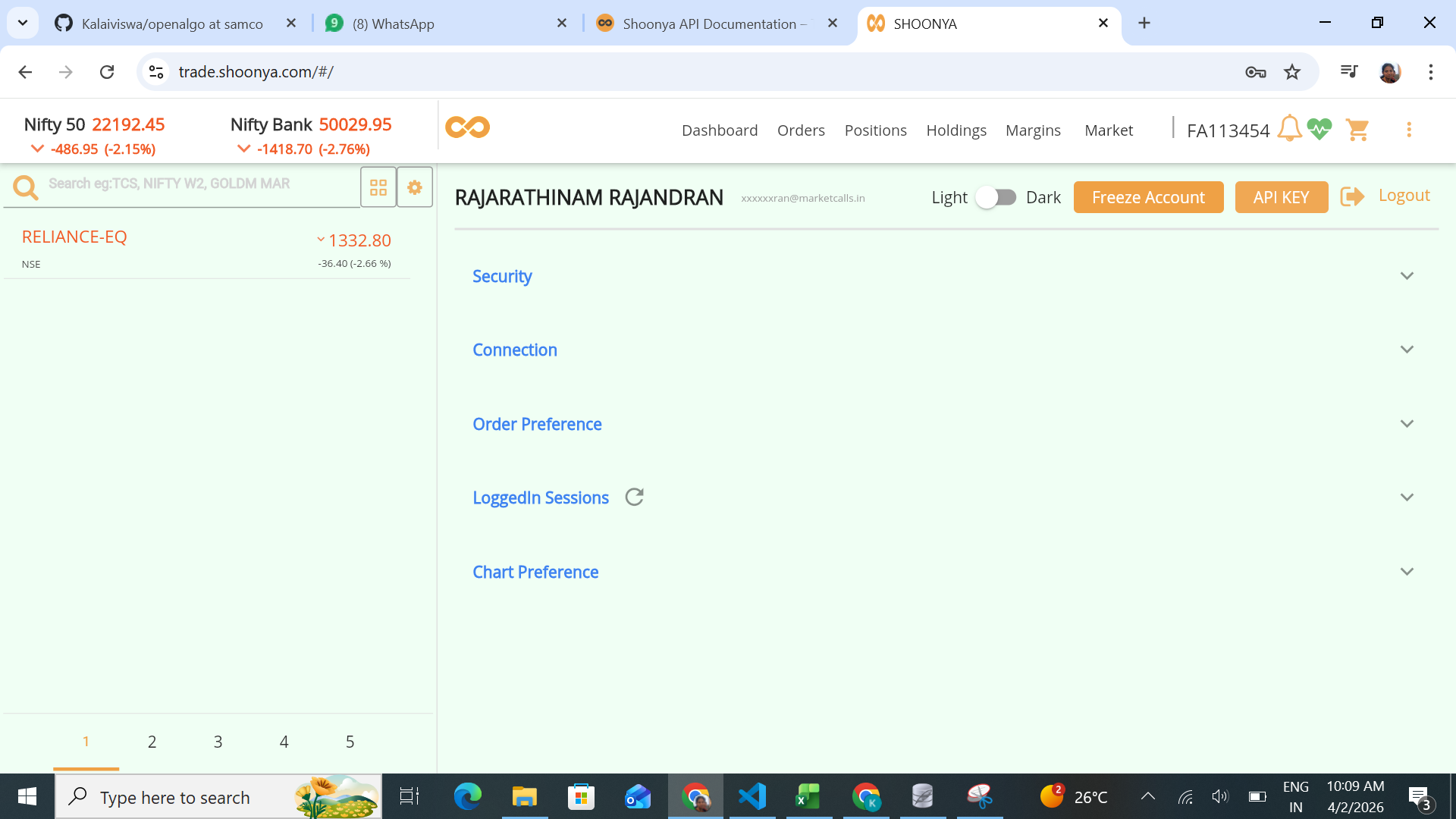
• Click on API Key.
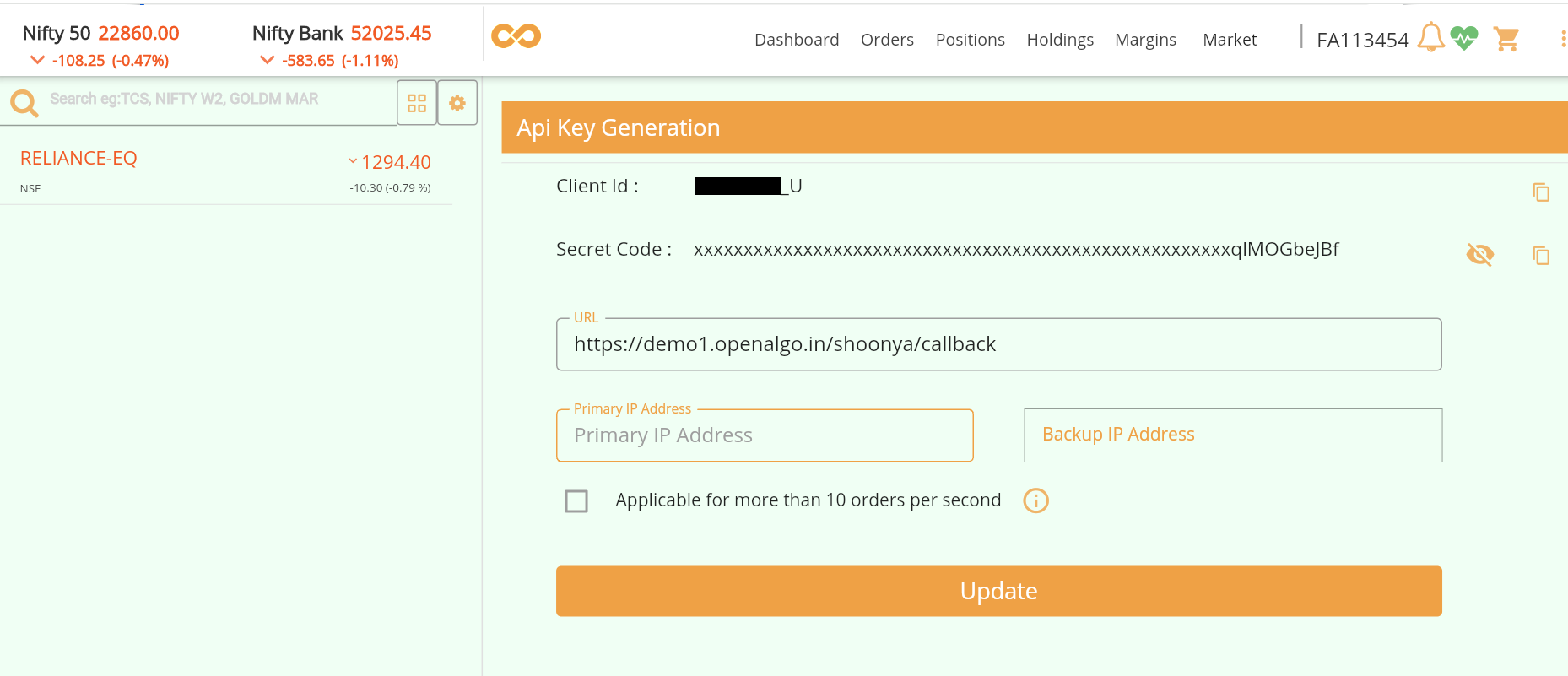
• Your client ID and Secret code will be displayed.
3. Configure Tradeboard:
• In your Tradeboard .env file, set the following variables:
BROKER_API_KEY = 'your_userid_here:::your_ClientId_here'
BROKER_API_SECRET = 'your_Secretcode_here'
REDIRECT_URL = 'https://tradeboard.local/shoonya/callback'
Supported Exchanges
Tradeboard reads this plugin's exchange list from broker/shoonya/plugin.json and serves it to the app, so symbol search, the Strategy Builder and the tools pages only offer what the plugin actually handles.
- Tradable:
NSE,BSE,NFO,BFO,CDS,MCX - Index feeds:
NSE_INDEX,BSE_INDEX