
Nubra
Nubra, by Zanskar Securities Private Limited, is a modern trading platform built for algorithmic and institutional traders. It provides REST-like resource-based endpoints with low-latency order execution, comprehensive market data access including quotes, Greeks, and historical candles, and a phone OTP plus MPIN login, making it an excellent choice for automated trading with Tradeboard.
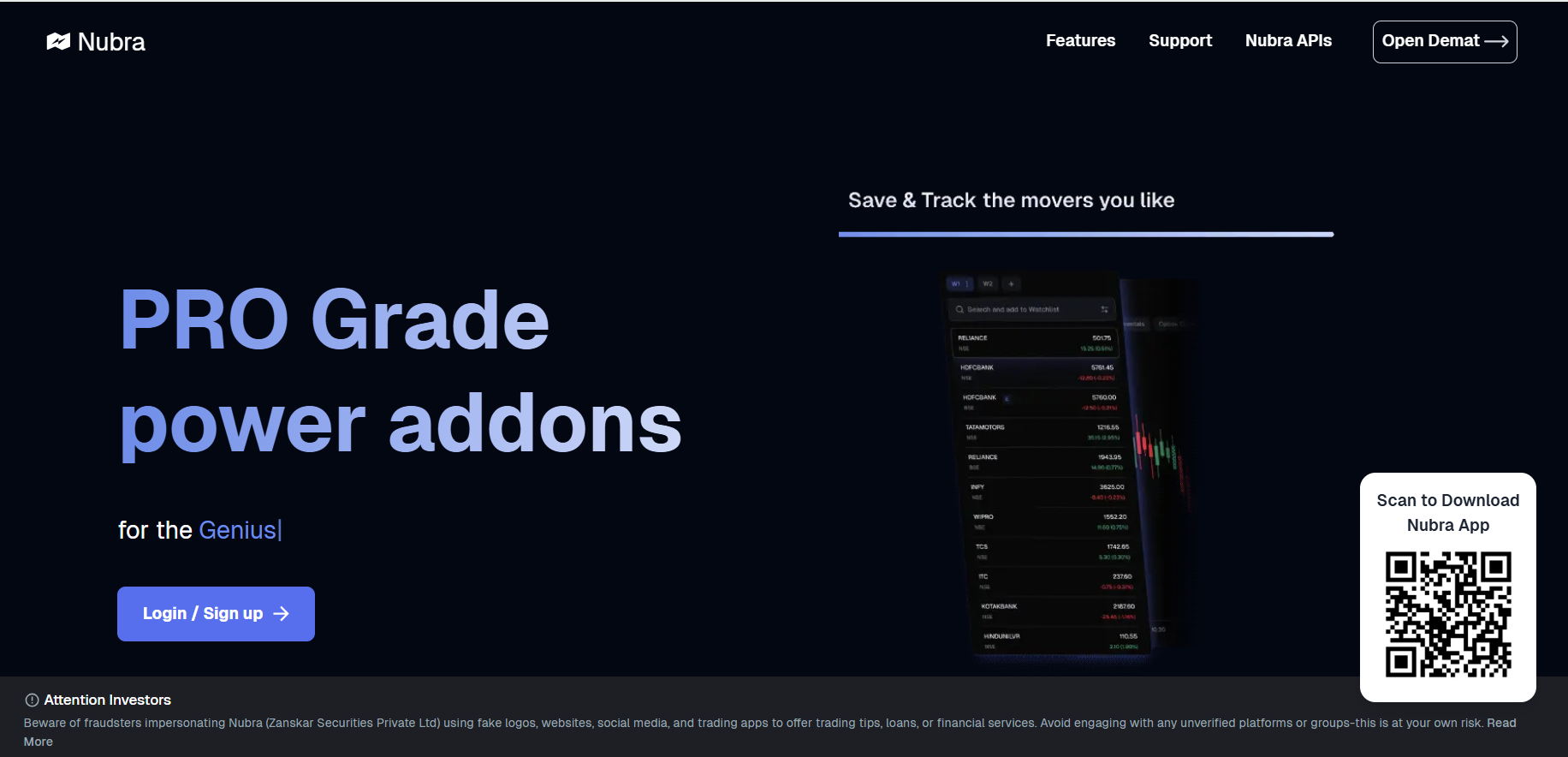
- Navigate to the Nubra's Dashboard Login https://nubra.io/ Open Demat
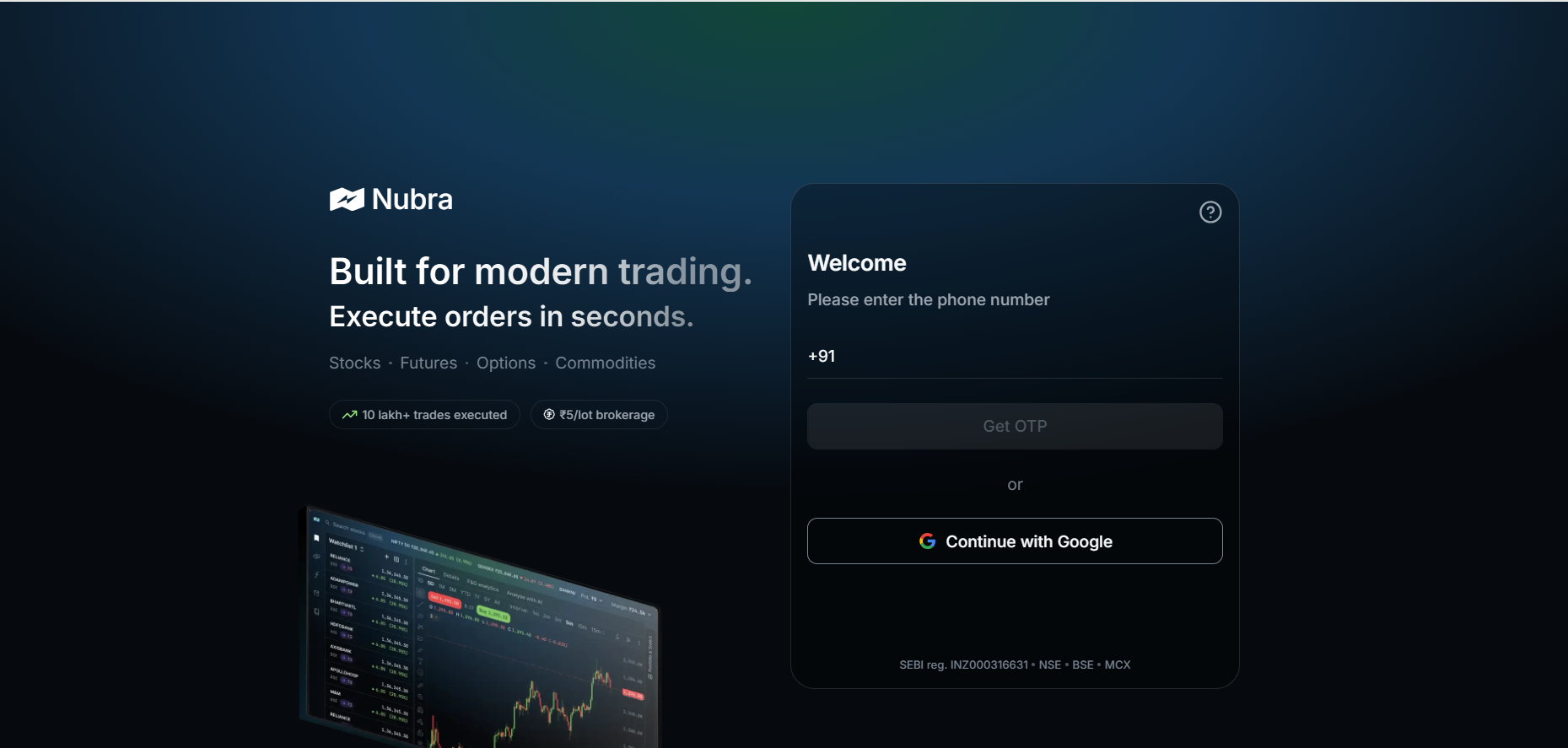
- Tradeboard logs in to Nubra with two things you already have, so there is no API key to generate:
- Your registered mobile number, which receives the login OTP
- Your 6-digit MPIN, which is exchanged for the session token
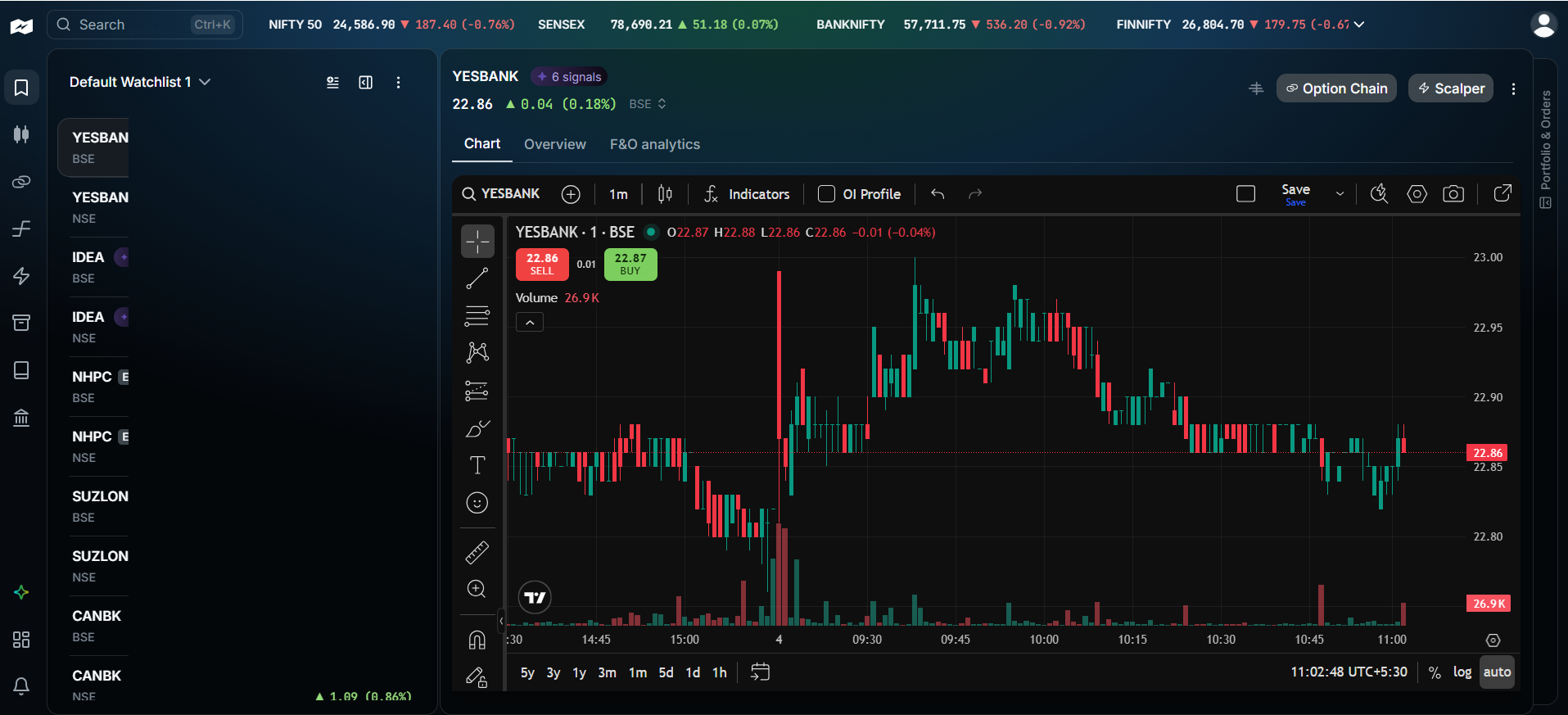
- Click on the Profile icon located at the top-right corner of the page
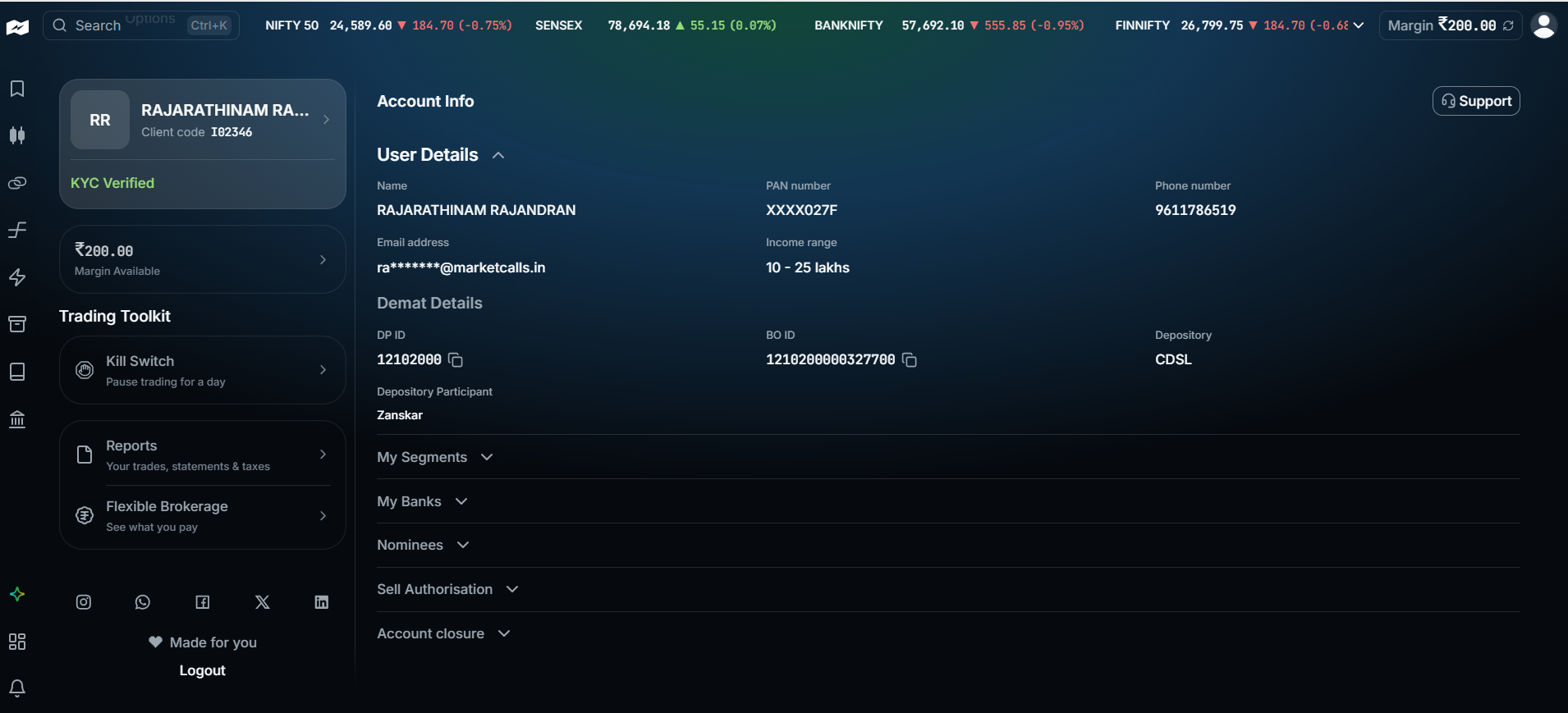
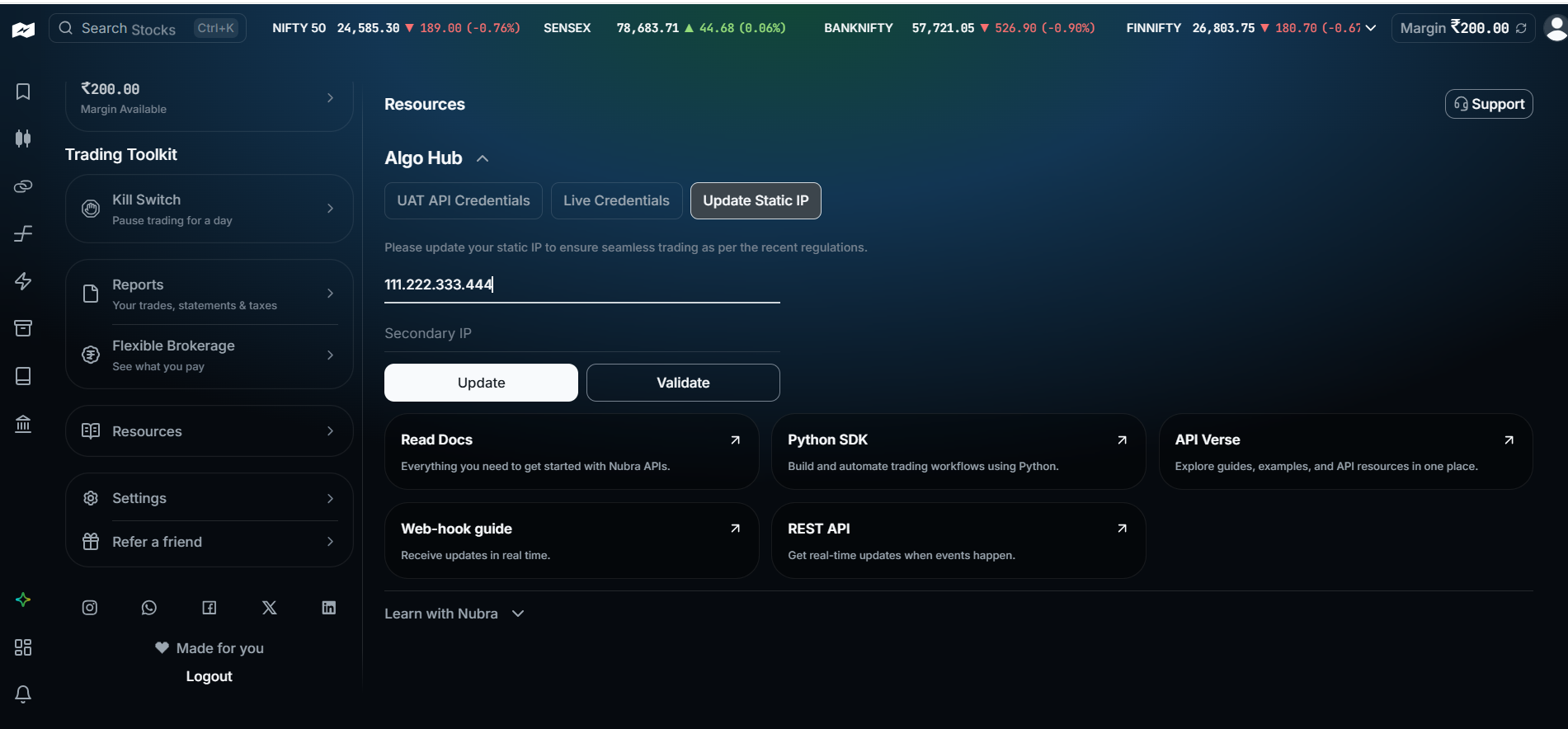
- To Register the static IP ,scroll down the left panel. Select Resources-Update Static IP- Update - Validate.
Environment Configuration
Nubra does not issue an API key and secret pair. Tradeboard reuses the two BROKER_API_* variables to carry your login details instead:
BROKER_API_KEYholds your registered mobile number, the one Nubra sends the login OTP toBROKER_API_SECRETholds your 6-digit MPIN
BROKER_API_KEY = 'your_nubra_registered_mobile_number'
BROKER_API_SECRET = 'your_nubra_mpin'
REDIRECT_URL = 'http://127.0.0.1:5000/nubra/callback'
Connecting from Tradeboard
When you click Connect on the Nubra broker page, Tradeboard sends an OTP to the registered mobile number and opens the OTP entry screen. Enter the code you received to finish the login. Reloading that screen does not resend the code: only a fresh Connect from the broker page dispatches a new OTP, and each code can be used once.
If your account has TOTP enrolled, Tradeboard still forces the SMS path, so an authenticator app is not required.
Static IP
Nubra exposes a read-only static IP check. Tradeboard surfaces it, but there is no API to register or change the IPs: that is done through Nubra using the Resources - Update Static IP screen shown above. An account with no registered IPs reports that state rather than failing.
Integrating with Nubra APIs unlocks the ability to automate strategies, execute trades, and analyze data directly within your own infrastructure. When used with Tradeboard, you can self-host and run your entire algo trading stack, with full control and zero vendor lock-in.
Supported Exchanges
Tradeboard reads this plugin's exchange list from broker/nubra/plugin.json and serves it to the app, so symbol search, the Strategy Builder and the tools pages only offer what the plugin actually handles.
- Tradable:
NSE,BSE,NFO,BFO,MCX - Index feeds:
NSE_INDEX,BSE_INDEX