
IIFL Capital
Tradeboard connects to IIFL Capital through their Markets' APIs developer portal. You'll need
an active IIFL Capital trading account and a static public IP before you start, since IIFL whitelists the IP that's allowed to call your app.
Prerequisites
- An active IIFL Capital trading account (Client ID / PAN handy)
- A static public IP address, which IIFL whitelists this IP and rejects API calls from anywhere else
- Tradeboard running locally or on a host whose outbound IP matches what you'll register
Step 1: Visit the IIFL Markets' APIs portal
Go to https://markets.iiflcapital.com
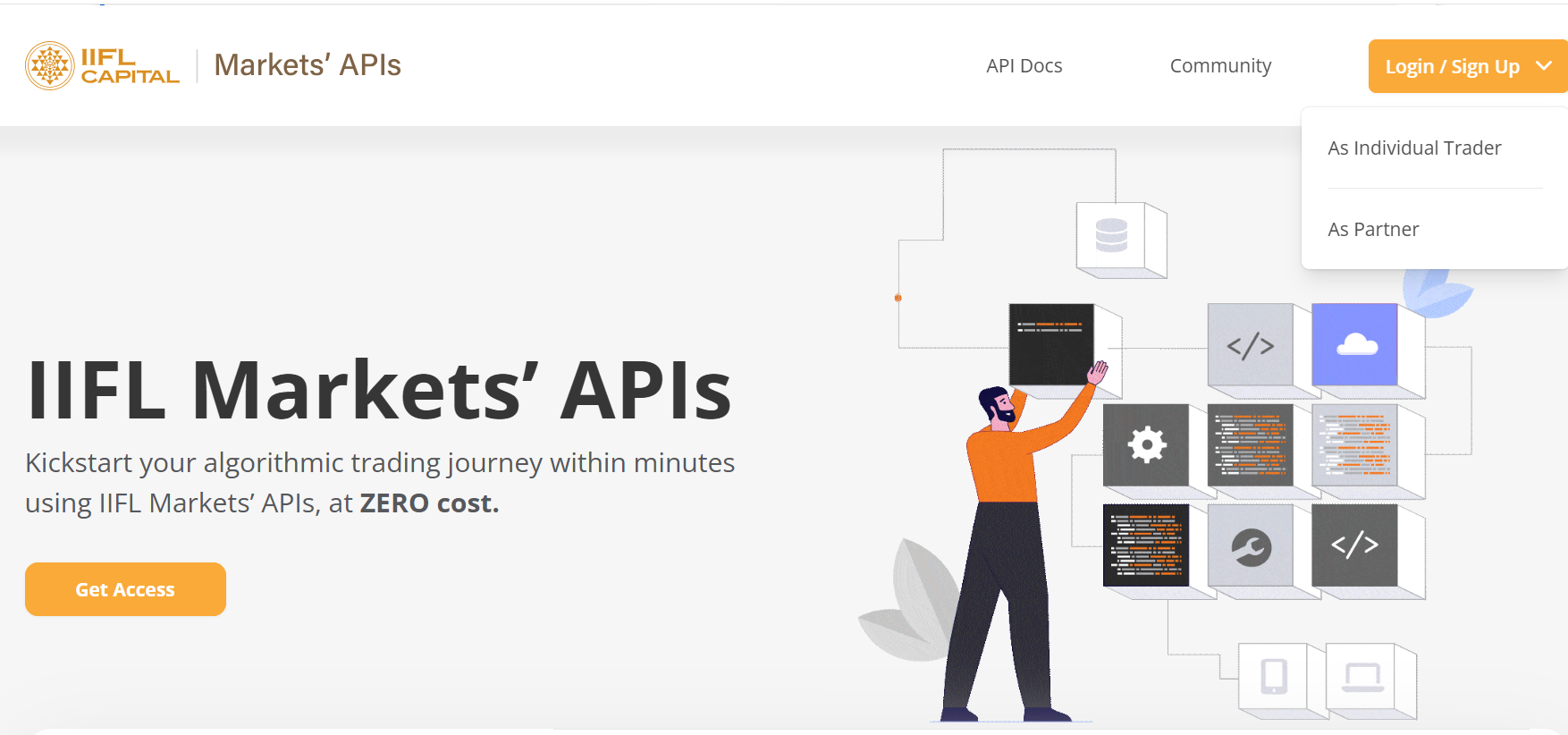
Click Login / Sign Up at the top right and choose As Individual Trader.
Step 2: Log in to the Developer Portal
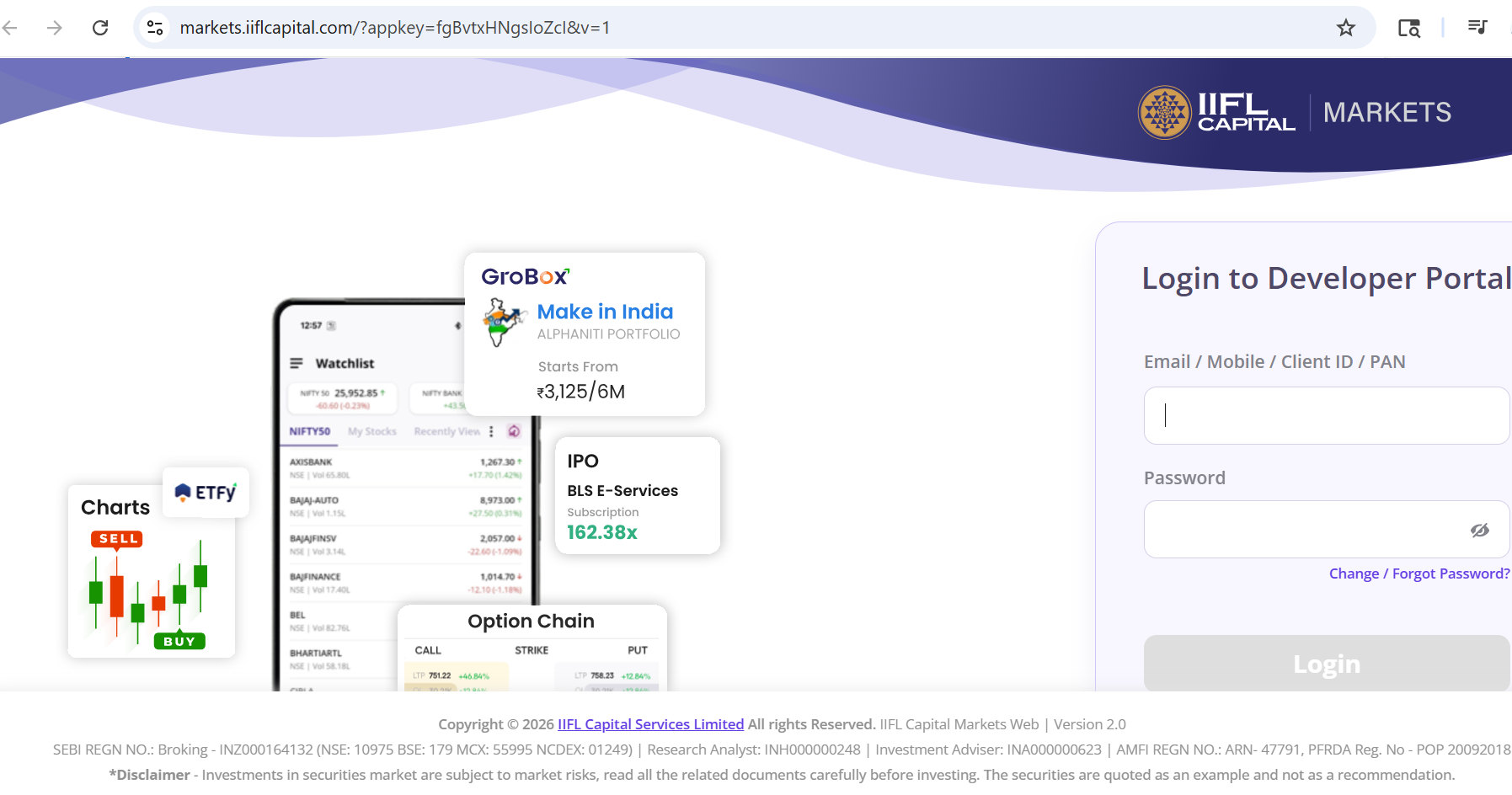
Sign in with your IIFL credentials. Email, Mobile, Client ID, or PAN works. Use the same
password you use for the IIFL trading platform.
Step 3: Open "My Apps"
After login you land on the My Apps dashboard at developers.iiflcapital.com. Your IIFL
Client ID is shown in the greeting.
If this is your first time, the apps list will be empty. Click Create App in the top-right.
.BJQxdQWV.PNG)
Step 4: Create the Tradeboard App
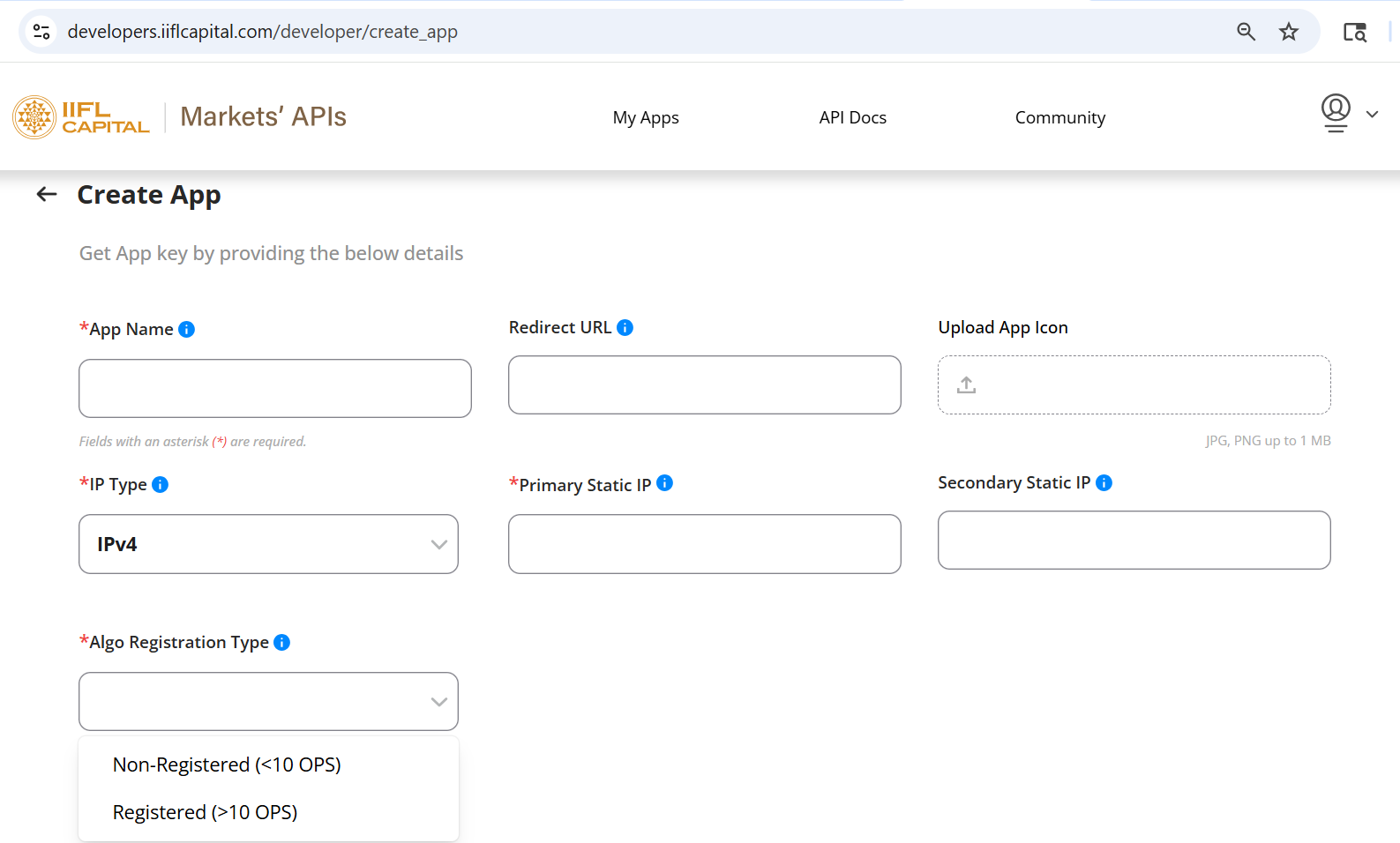
Fill the Create App form
Click Submit.
Important: The Redirect URL must match http://127.0.0.1:5000/iiflcapital/callback exactly if you're running Tradeboard locally on the default port. If you've changed HOST_SERVER in your .env, replace 127.0.0.1:5000 with your actual host and port.
The Primary Static IP must match the public IP from which Tradeboard will call IIFL. Use https://www.whatismyip.com to check. If your IP is dynamic (typical for home broadband), API calls will fail intermittently, so you'll need a fixed-IP setup or VPS.
Step 5: Locate your App Key and App Secret
After creation, your app shows up on the My Apps page with status Active. Click the
three-dot menu (⋮) on the app row and choose View All Details.
.U4nYnAz_.PNG)
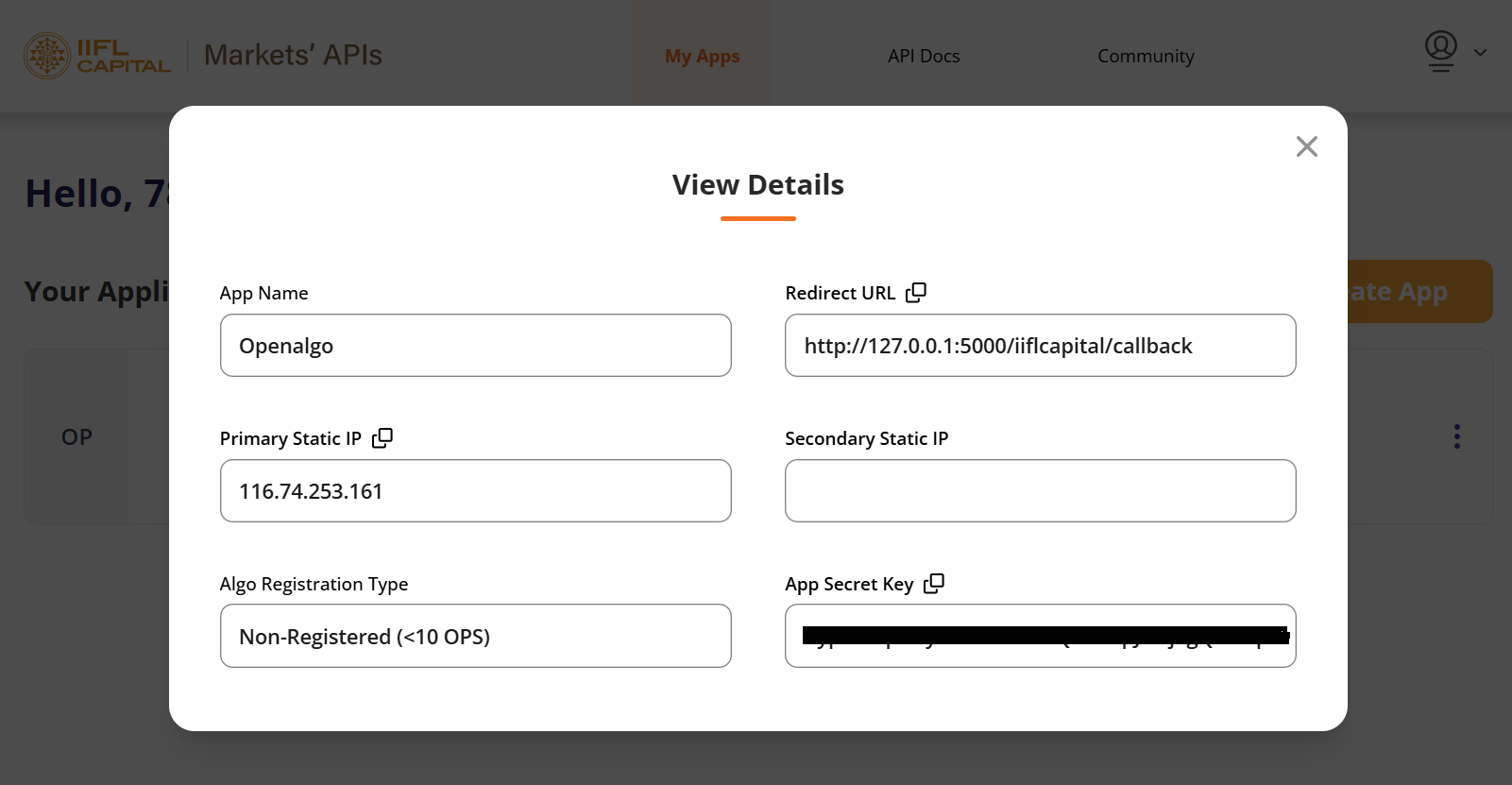
The View Details modal shows everything you need:
- App Name: friendly name only, not used in Tradeboard
- Redirect URL: should match what you entered
- Primary Static IP: for reference
- Algo Registration Type: for reference
- App Key: this becomes BROKER_API_KEY
- App Secret Key: this becomes BROKER_API_SECRET
If you ever lose the App Secret, use Regenerate App Secret from the same ⋮ menu. Existing Tradeboard sessions will need to log in again after rotation.
Step 6: Configure Tradeboard
Open your Tradeboard .env file and set:
BROKER_API_KEY = 'your_app_key_here'
BROKER_API_SECRET = 'your_app_secret_key_here'
REDIRECT_URL = 'http://127.0.0.1:5000/iiflcapital/callback'
Save and restart Tradeboard.
Integrating Tradeboard with IIFL Capital's API opens up possibilities for automated trading strategies, providing a powerful tool for traders and developers to exploit market opportunities efficiently. It's essential to follow best practices for API integration, including handling rate limits, managing API keys securely, and ensuring robust error handling and logging mechanisms are in place.
Supported Exchanges
Tradeboard reads this plugin's exchange list from broker/iiflcapital/plugin.json and serves it to the app, so symbol search, the Strategy Builder and the tools pages only offer what the plugin actually handles.
- Tradable:
NSE,BSE,NFO,BFO,CDS,BCD,MCX - Index feeds:
NSE_INDEX,BSE_INDEX