
JainamXTS
Jainam XTS Broker Integration
Tradeboard makes algorithmic trading accessible and straightforward by providing seamless integration with various brokers, including JainamXTS API. This documentation will guide you through the process of configuring your jainamxts account to work with Tradeboard
Step 1: Create API Applications
Login to https://jtrade.jainam.in:5000/dashboard#!/login
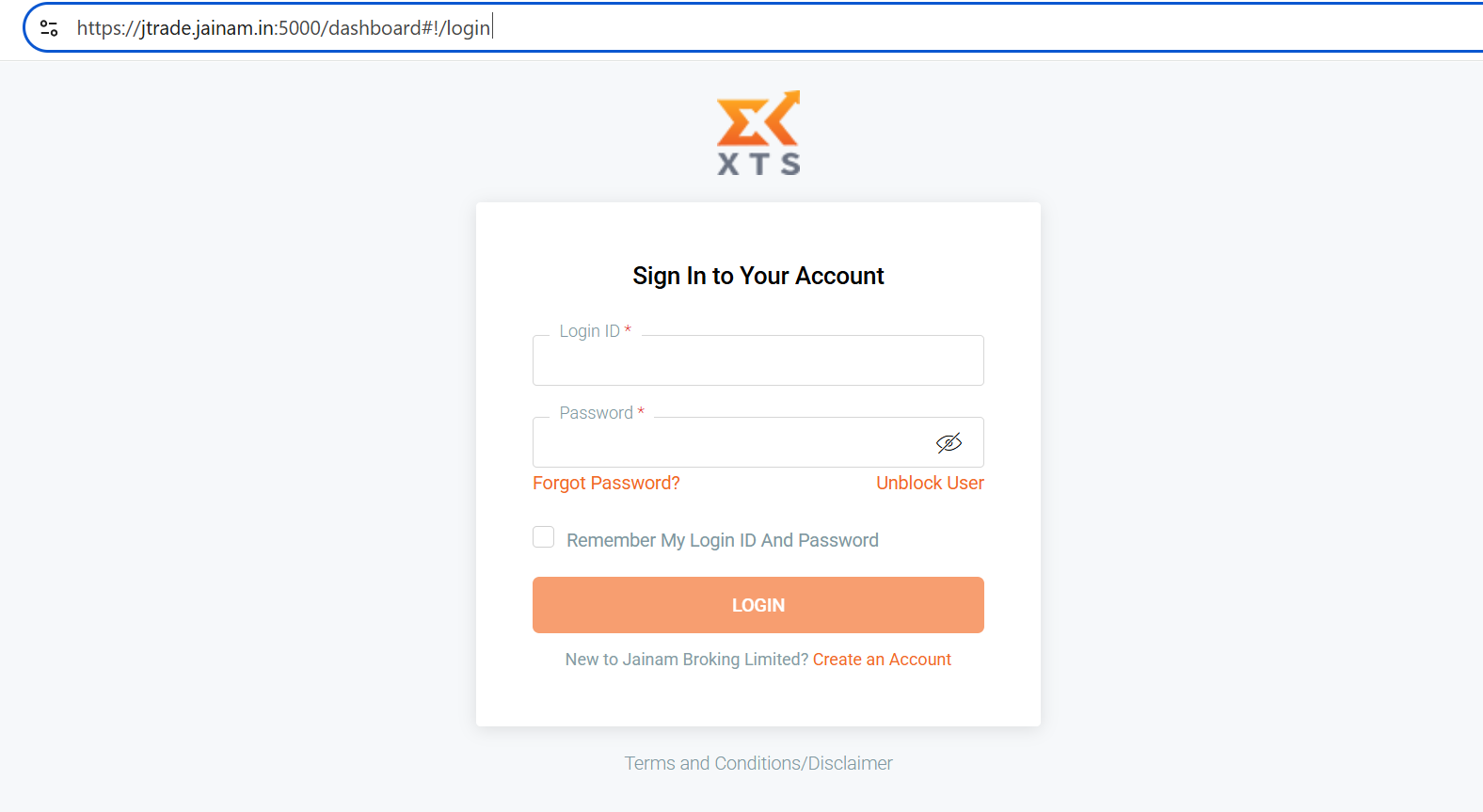
Once logged in:
- Go to
My App>Create New Application - Create two separate apps:
- Interactive Order API
- Market Data API
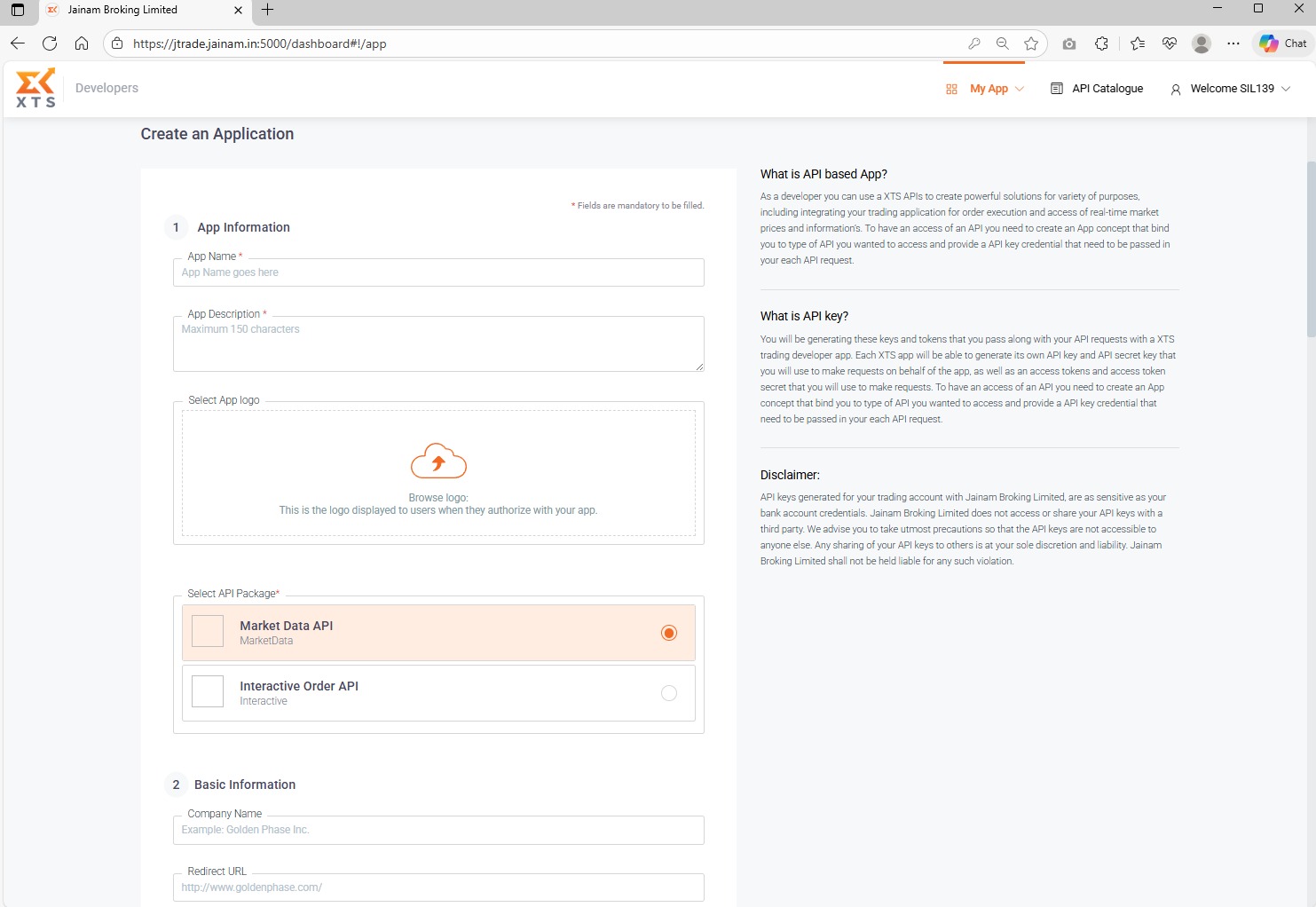
Details to Fill:
- App Name: Tradeboard
- App Description: Tradeboard
- Redirect URL: (leave it empty)
- Company Name: Tradeboard (or your own)
- Choose the correct API Package depending on the app (Order or Market Data).
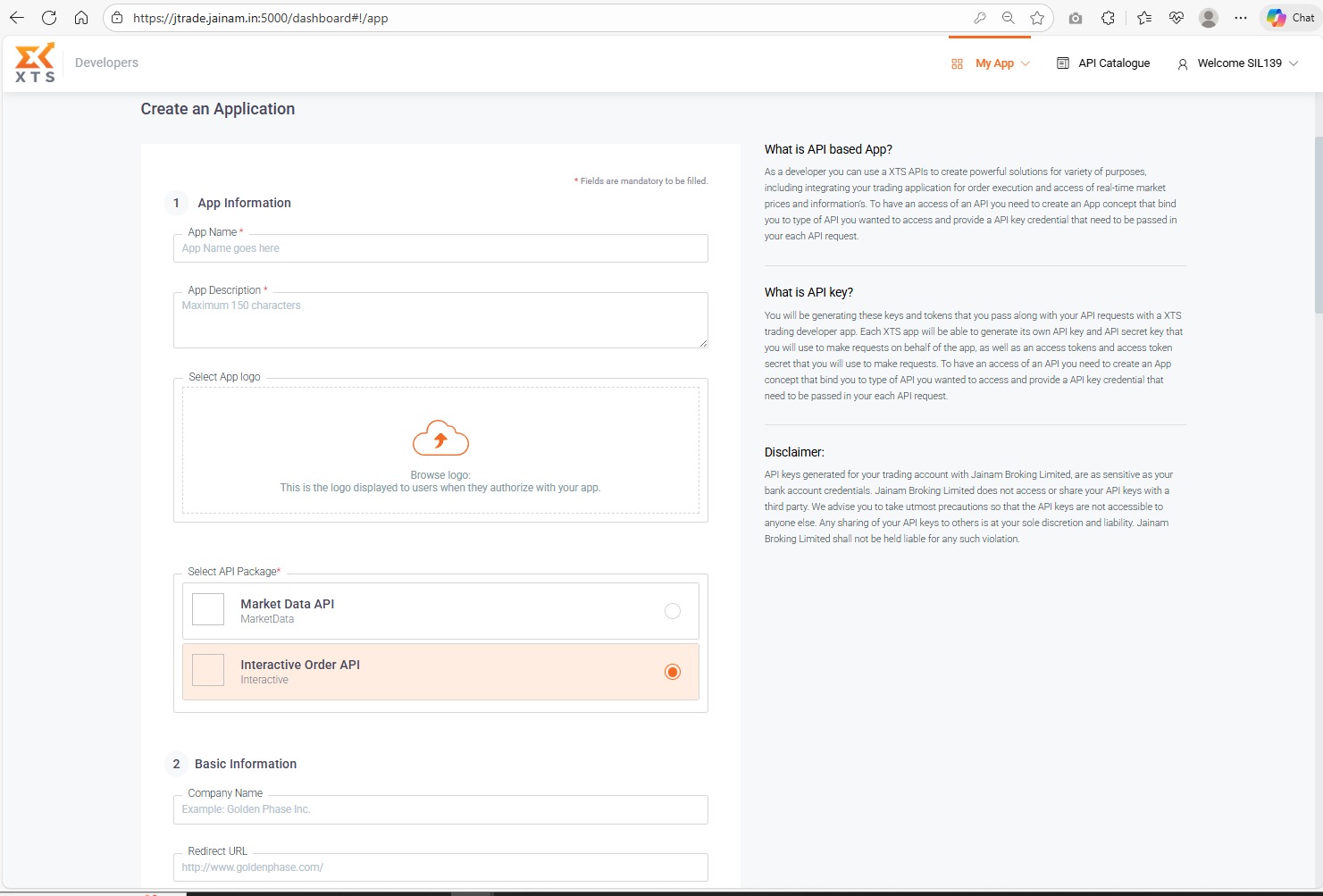
Once submitted, wait for approval from the broker. After approval, the status will turn Active.
Step 2: Setup Environment Variables
Refer to the .sample.env file in your Tradeboard folder and prepare your .env as follows:
# Broker Configuration
BROKER_API_KEY = 'YOUR_BROKER_ORDER_API_KEY'
BROKER_API_SECRET = 'YOUR_ORDER_API_SECRET'

BROKER_API_KEY_MARKET = 'YOUR_BROKER_MARKET_API_KEY'
BROKER_API_SECRET_MARKET = 'YOUR_BROKER_MARKET_API_SECRET'

REDIRECT_URL = 'http://127.0.0.1:5000/jainamxts/callback'
Replace the values with actual credentials shown on your developer dashboard once approved.
Step 3: Start Tradeboard
Once all environment variables are set and your apps are Active, you can now start Tradeboard.
This completes the integration process for JainamXTS API with Tradeboard.
By following the steps outlined in this guide, you have successfully configured your JainamXTS API account for use with Tradeboard. You can now leverage the power of algorithmic trading to enhance your trading strategies and make data-driven decisions. Should you encounter any issues or need further assistance, please refer to the Tradeboard community or support resources. Happy trading!
Supported Exchanges
Tradeboard reads this plugin's exchange list from broker/jainamxts/plugin.json and serves it to the app, so symbol search, the Strategy Builder and the tools pages only offer what the plugin actually handles.
- Tradable:
NSE,BSE,NFO,BFO - Index feeds:
NSE_INDEX,BSE_INDEX