
Samco
Samco Securities is a leading discount broker in India offering equity, derivatives, commodity, and currency trading. Samco Trade API is a powerful RESTful API that allows traders to build customized trading applications, automate their strategies, and integrate with various algorithmic trading platforms.
Steps for Integration
Samco has moved authentication from User ID + Password to API Key + API Secret, issued from the new Samco Trade API Web Dashboard. The old flow (OTP, emailed Secret API Key, and IP registration from inside Tradeboard) is deprecated and will be removed by Samco.
If you set up Samco before this change, you must redo Steps 2 to 4. Your .env currently holds your client ID and account password; it now needs the API Key and API Secret of an OAuth app.
Step 1: Login to Samco website
Visit https://tradeapi.samco.in/app/login and login with your client ID/Mobile number.
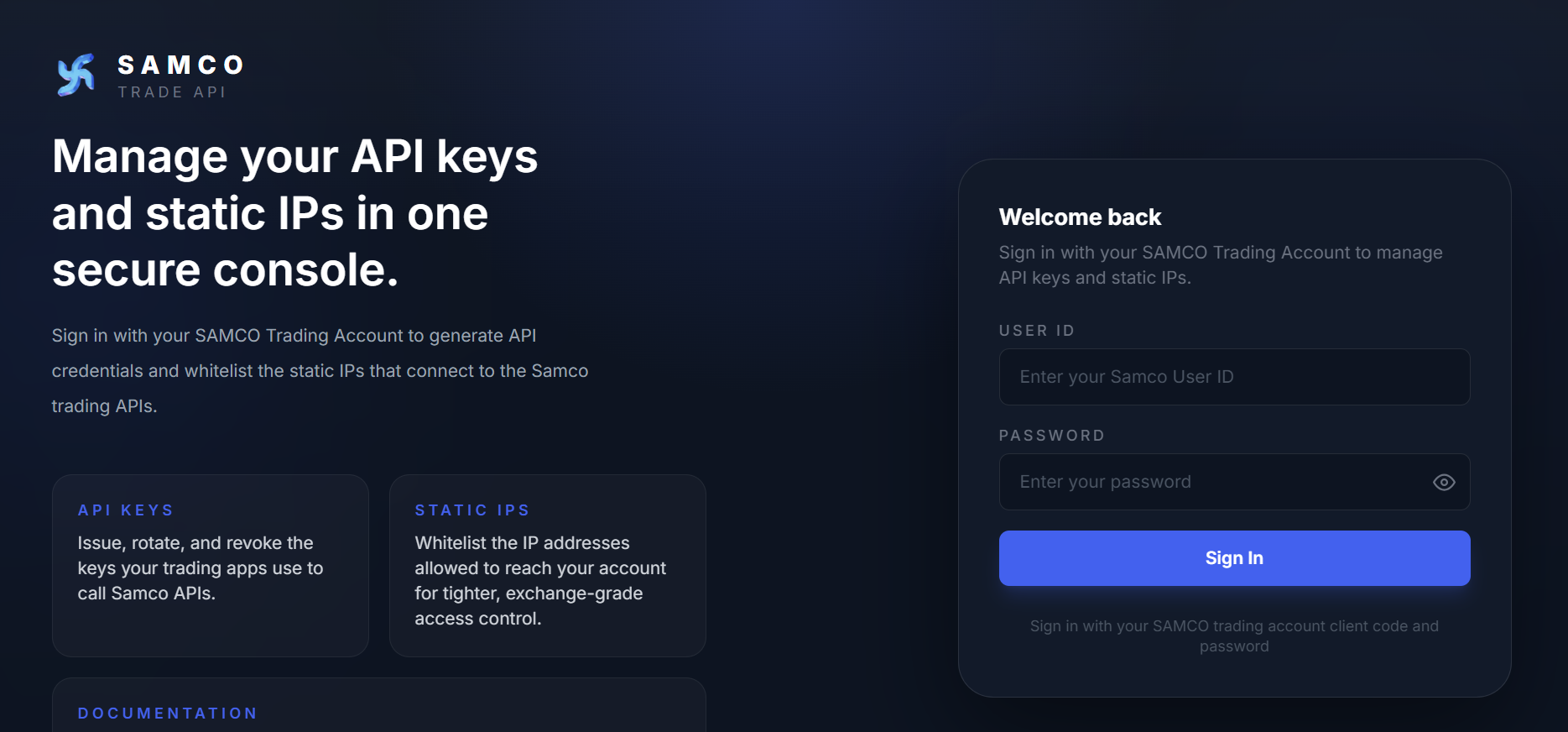
The console has two sections you will use: API Keys (issue and rotate credentials) and Static IPs (whitelist the servers allowed to call the API).
Step 2: Create an OAuth App to generate your API Key and Secret
Open Credentials > API Keys and click Create New App.
.CW61T3wY.PNG)
Fill in the form.
Click Create App. An OTP is sent to your registered mobile and email. Enter it and click Verify OTP.
On success:
- The API Secret is displayed once, on screen. Copy it immediately.
- The API Key is emailed to your registered address.
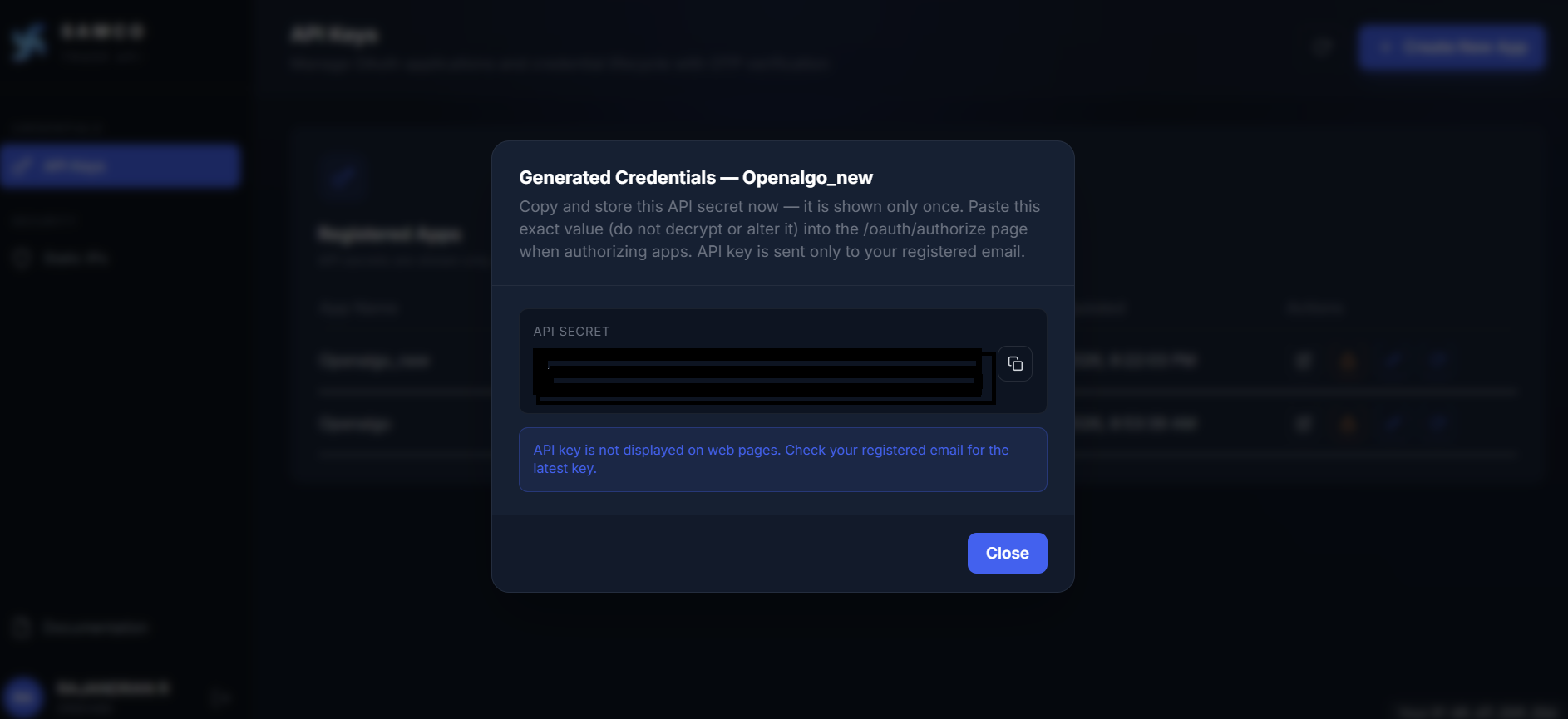
Save your API Secret now. It is shown only once. If you lose it you must regenerate it, and regenerating revokes every active session for that app. The same applies to regenerating the API Key.
App limit: you can have up to 5 OAuth apps. Deactivating an app does not free the slot, and app deletion is not exposed in the dashboard.
Step 3: Whitelist your Static IP
.BkoaypV7.PNG)
Open Security > Static IPs. This is a SEBI requirement: order requests are accepted only from IPs you have whitelisted here.
- Select the App you created in Step 2.
- Choose PRIMARY (required) or SECONDARY (optional backup).
- Click Save and confirm with the OTP.
Step 4 : Environment Configuration
After creating the app and whitelisting your IP, configure the credentials in your .env file.
BROKER_API_KEY = 'your_samco_api_key'      # emailed to you when the app was created
BROKER_API_SECRET = 'your_samco_api_secret' # shown once in the dashboard
REDIRECT_URL = 'http://127.0.0.1:5000/samco/callback'
Integrating with Samco APIs unlocks the ability to automate strategies, execute trades, and analyze data directly within your own infrastructure. When used with Tradeboard, you can self-host and run your entire algo trading stack, with full control and zero vendor lock-in.
Supported Exchanges
Tradeboard reads this plugin's exchange list from broker/samco/plugin.json and serves it to the app, so symbol search, the Strategy Builder and the tools pages only offer what the plugin actually handles.
- Tradable:
NSE,BSE,NFO,BFO,CDS,MCX - Index feeds:
NSE_INDEX,BSE_INDEX