
Firstock
Firstock is an Indian discount brokerage firm. Known for its user-friendly interface, Firstock provides mobile, web, and desktop platforms equipped with essential features like real-time market data, advanced charting tools, and order execution capabilities. Its competitive pricing structure and support for algorithmic trading make it an attractive option for both retail and professional traders.
Through Tradeboard, the Firstock plugin covers equity and equity derivatives on NSE and BSE. Currency (CDS) and commodity (MCX) segments are not part of this integration, so use a plugin that reports those exchanges if you trade them.
Getting API Credentials
To integrate Firstock with Tradeboard, follow these steps to obtain your API key and secret:
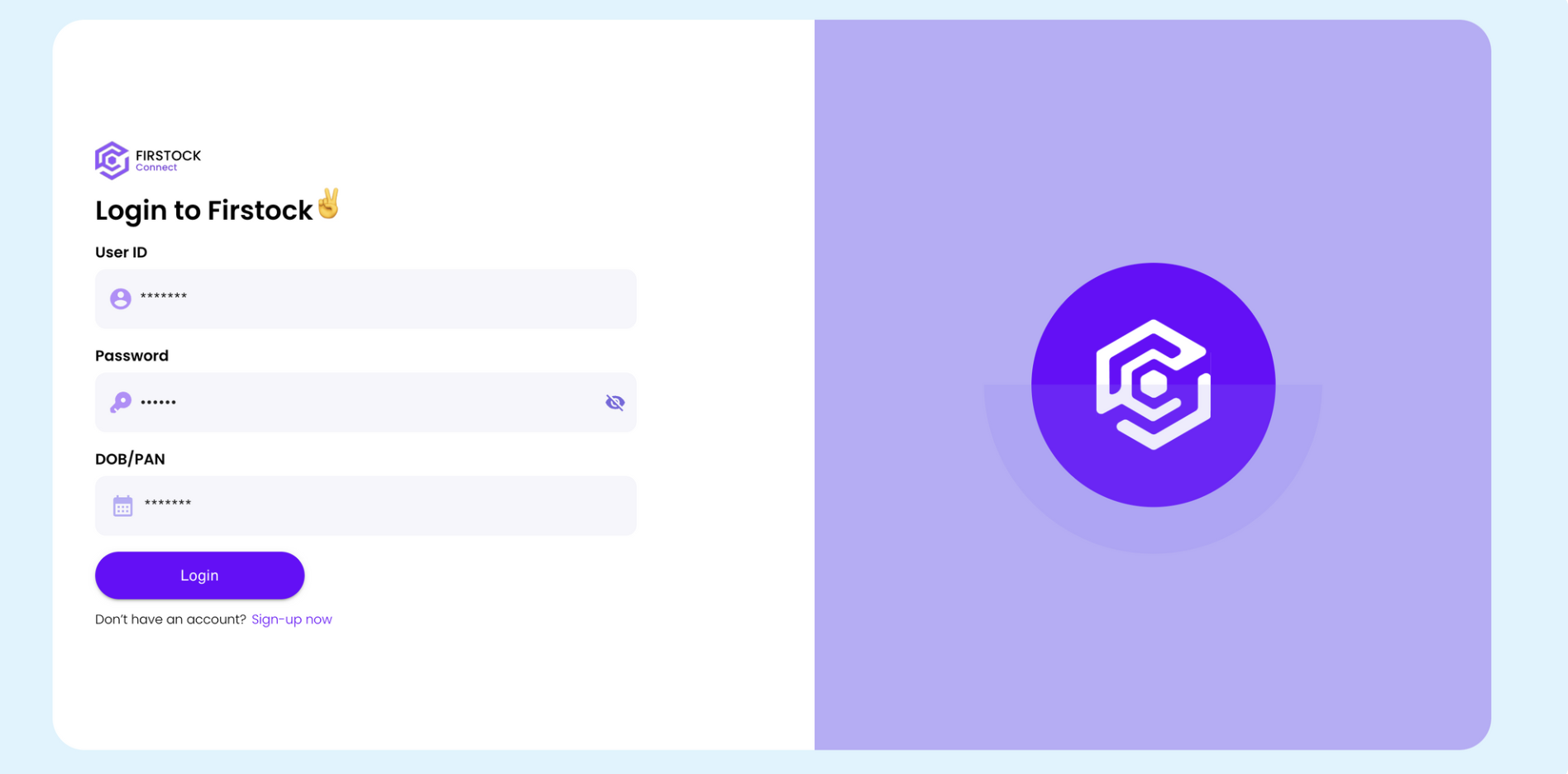
1. Log in to Firstock Connect
• Visit https://connect.thefirstock.com/login?ref=wikiconnect.thefirstock.com.
• Enter your Firstock login credentials.
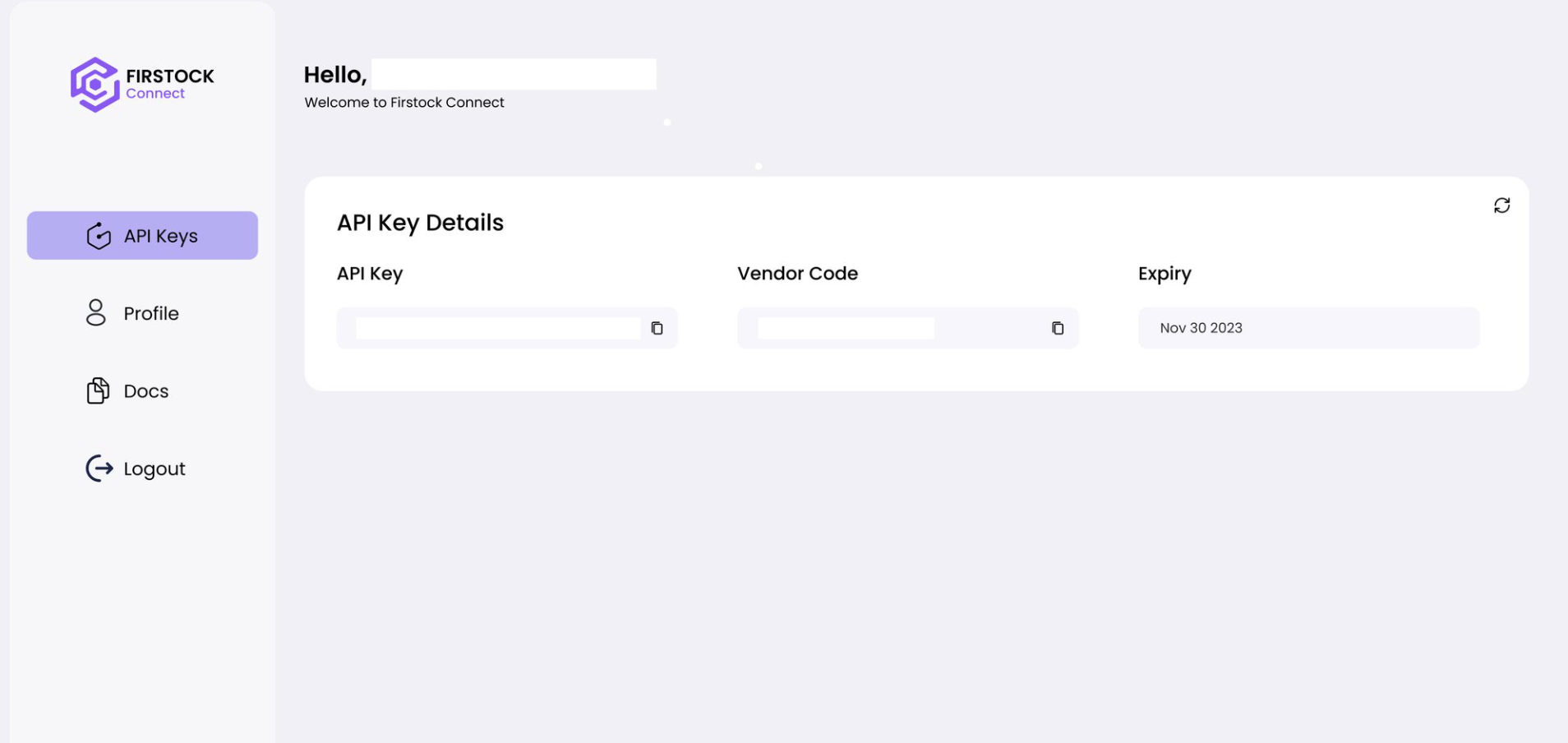
2. Generate API Credentials:
• After logging in, navigate to the API Key section in your profile settings.
• Click on Generate API Key.
• Your Vendor Code and API Key will be displayed.
3. Configure Tradeboard:
• In your Tradeboard .env file, set the following variables:
BROKER_API_KEY = 'Your Vendor Code'
BROKER_API_SECRET = 'Your API Key'
REDIRECT_URL = 'http://127.0.0.1:5000/firstock/callback'
Supported Exchanges
Tradeboard reads this plugin's exchange list from broker/firstock/plugin.json and serves it to the app, so symbol search, the Strategy Builder and the tools pages only offer what the plugin actually handles.
- Tradable:
NSE,BSE,NFO,BFO - Index feeds:
NSE_INDEX