
Tradejini
TradeJini is a progressive brokerage firm known for its reliable execution, low-cost trading, and developer-friendly CubePlus API platform. Designed to support modern algo trading systems, TradeJini provides a robust infrastructure for both retail and institutional traders. Whether you're an individual trader or building advanced trading automation, TradeJini offers the right tools to seamlessly integrate market data and trading functionalities.
Steps for Integration:
1. Log in to the TradeJini Developer Portal
Start by accessing the CubePlus Developer Portal at
https://api.tradejini.com/developer-portal/main
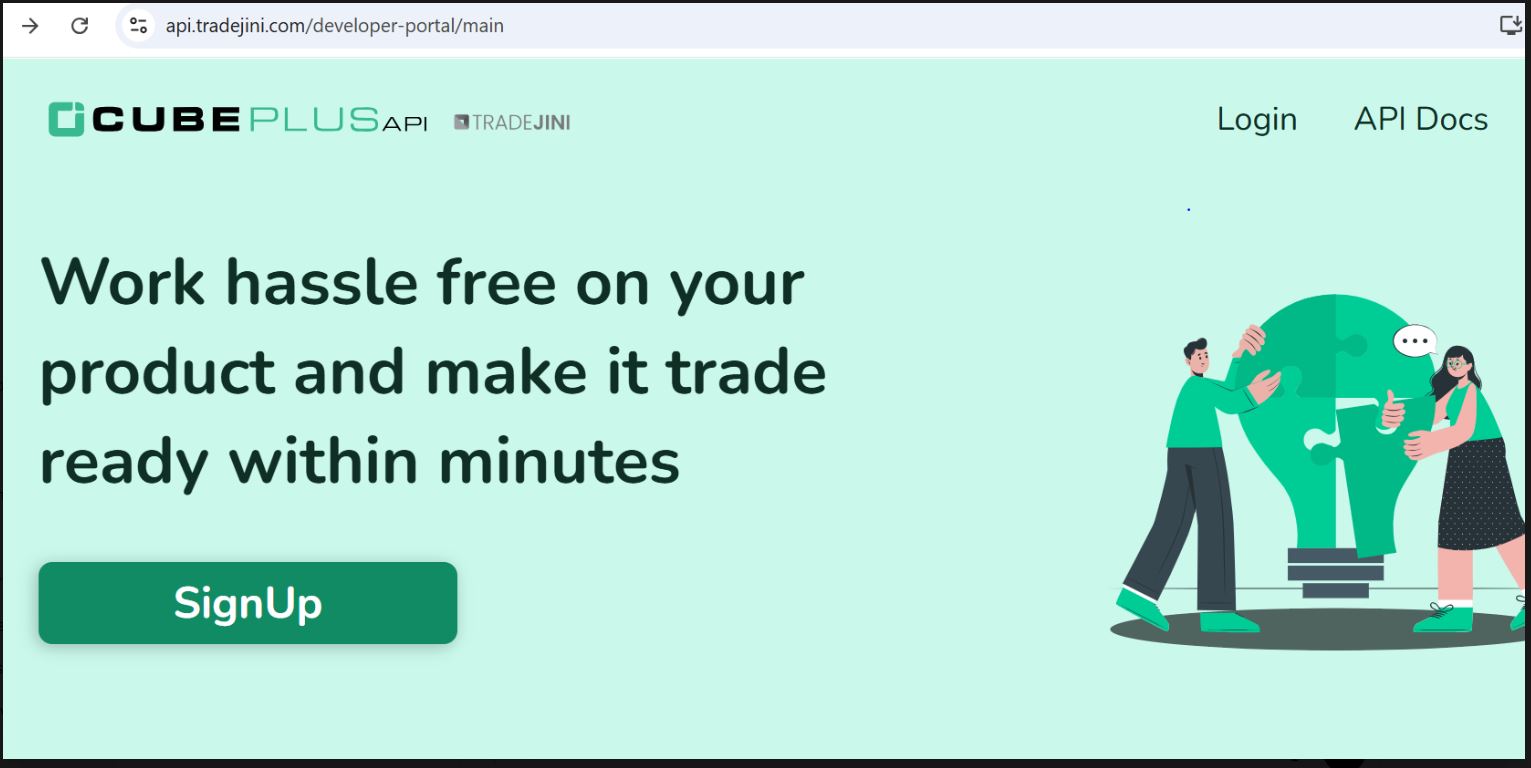
Click on Login.
You can log in using either:
- Your email address and password, or
- By clicking the TradeJini logo for broker login.
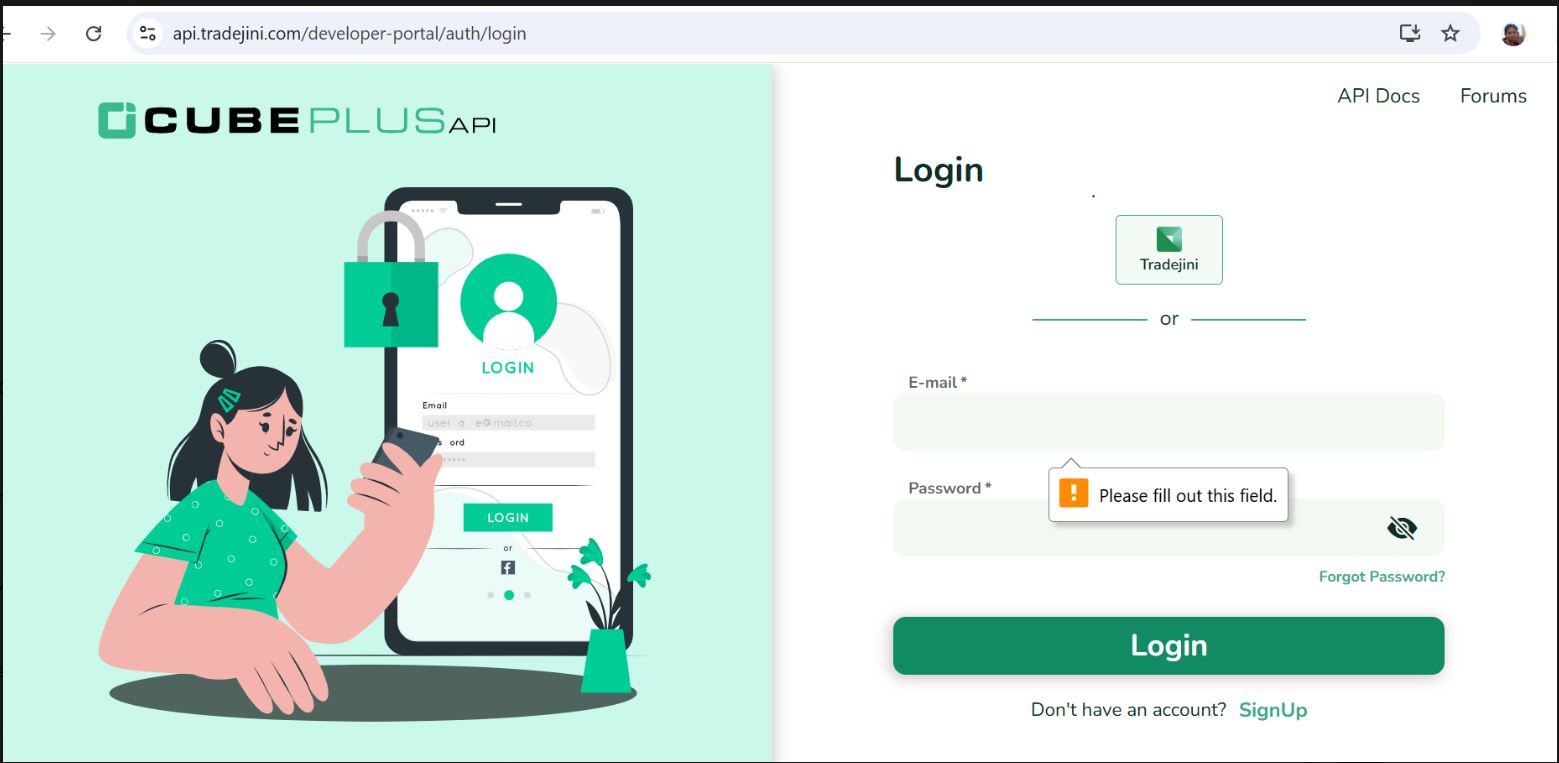
2. Create a New App
After logging in:
- Navigate to the Apps section.
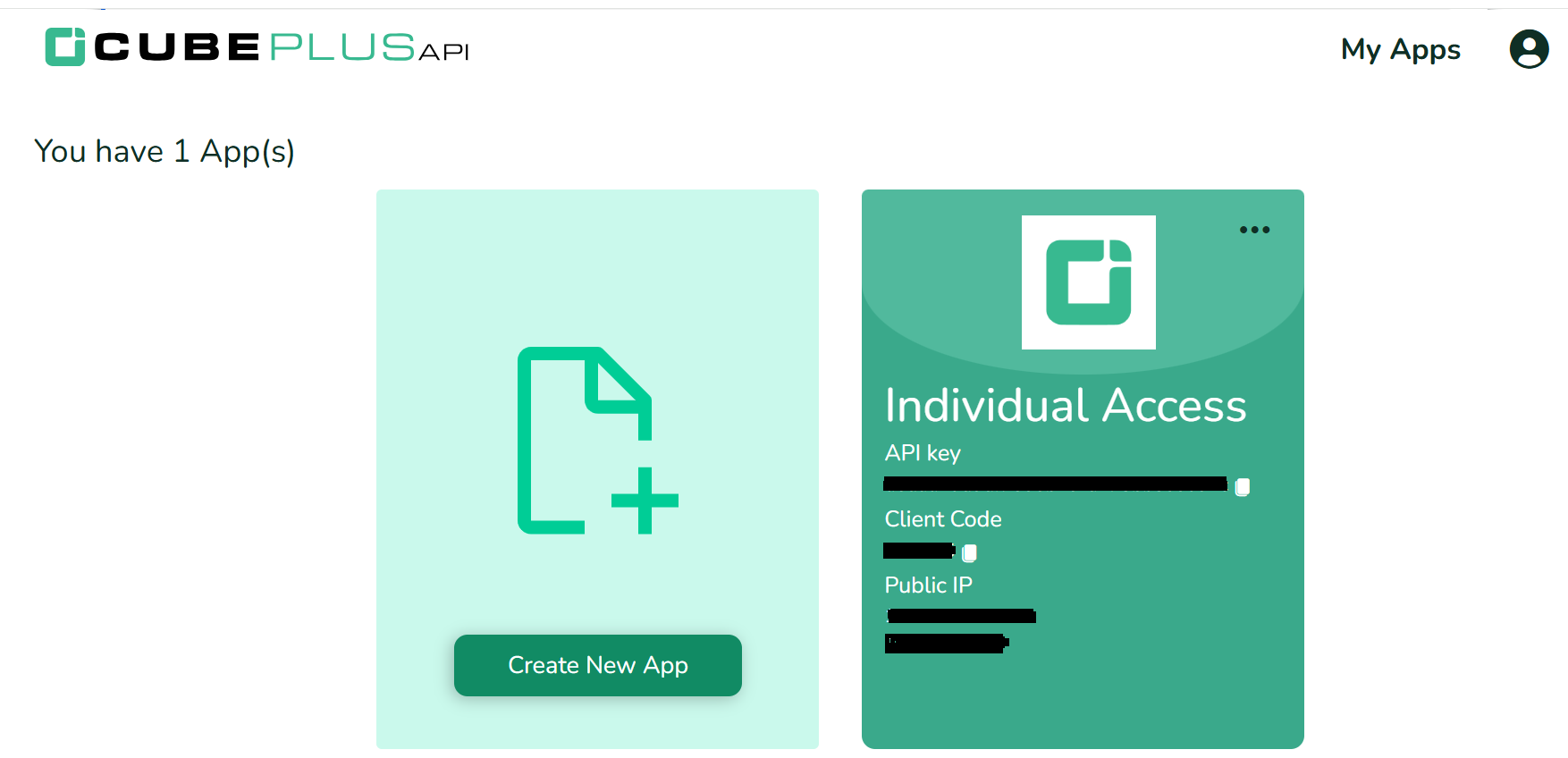
- Under Individual Access, click Create New App/Edit App .
- Click Submit to register your app.
- An API Key will be created for authenticated API usage
%20(1)%20(1).DE7cSHPw.png)
.CoqZQSaS.PNG)
3. Retrieve API Credentials
After generating the API Key, copy the alphanumeric API Key shown for the app. This single value is what Tradeboard needs.
The individual-access login authenticates with the API key alone: every call sends Bearer <api_key>:<access_token>, and the login endpoint sends Bearer <api_key> on its own. The api secret is only used by the third-party OAuth code exchange, which Tradeboard does not use, so you can leave it out.
Configuration:
Here is how you would typically set up your environment variables in a .env file for TradeJini:
BROKER_API_KEY = 'your_tradejini_apikey_here'
BROKER_API_SECRET = ''
REDIRECT_URL = 'http://127.0.0.1:5000/tradejini/callback'
WARNING
BROKER_API_KEY must hold the app API Key, not your client code. Older Tradeboard builds read the key from BROKER_API_SECRET, so that variable is still accepted as a fallback, but new installs should use BROKER_API_KEY. The two values look identical at rest (both are 32-character alphanumeric strings), so a mix-up shows up only as a bare 401 Unauthorized from the login endpoint.
These credentials will be used by Tradeboard to authenticate, fetch session tokens, and access market feeds or place orders.
Logging in
Clicking Connect opens the TradeJini login form, which asks for a password and a 2FA code:
- Password is your CubePlus login PIN, not your account password
- 2FA accepts either
totp(authenticator app) orotp(SMS or email)
A non-whitelisted source IP, a wrong API key, a wrong password and a stale 2FA code all fail with the same bare 401 Unauthorized. Individual apps only accept requests from the static IP whitelisted against the app in the developer portal, so check that first.
Integration Benefits
Integrating with the TradeJini API via Tradeboard opens up a world of possibilities for algorithmic trading and real-time data access. The CubePlus API offers:
- High-performance WebSocket feed for LTP, OHLC, depth, and indices.
- REST API endpoints for order management and historical data.
- Support for complex order types and multi-segment instruments.
To ensure a reliable experience with TradeJini’s API:
- Handle rate limits and WebSocket throttling appropriately.
- Store and manage tokens securely.
- Implement robust error handling, retry mechanisms, and logging.
By following best practices, developers and traders can leverage the TradeJini infrastructure to build high-frequency, data-driven strategies with confidence.
Supported Exchanges
Tradeboard reads this plugin's exchange list from broker/tradejini/plugin.json and serves it to the app, so symbol search, the Strategy Builder and the tools pages only offer what the plugin actually handles.
- Tradable:
NSE,BSE,NFO,BFO,CDS,BCD,MCX - Index feeds:
NSE_INDEX,BSE_INDEX