
Motilal Oswal
Motilal Oswal Financial Services Limited (MOFSL) is one of India's leading financial services companies, offering a comprehensive suite of investment and trading services. Their API platform provides developers and algo traders with programmatic access to trading capabilities including order placement, portfolio management, and market data.
Tradeboard seamlessly integrates with Motilal Oswal's API, enabling you to execute automated trading strategies across equity, derivatives, currency, and commodity segments.
Getting API Credentials
Step 1: Access the API Portal
Visit the Motilal Oswal OpenAPI registration portal:
https://invest.motilaloswal.com/moAPI/
Step 2: Register Your Application
- Log in with your Motilal Oswal trading credentials
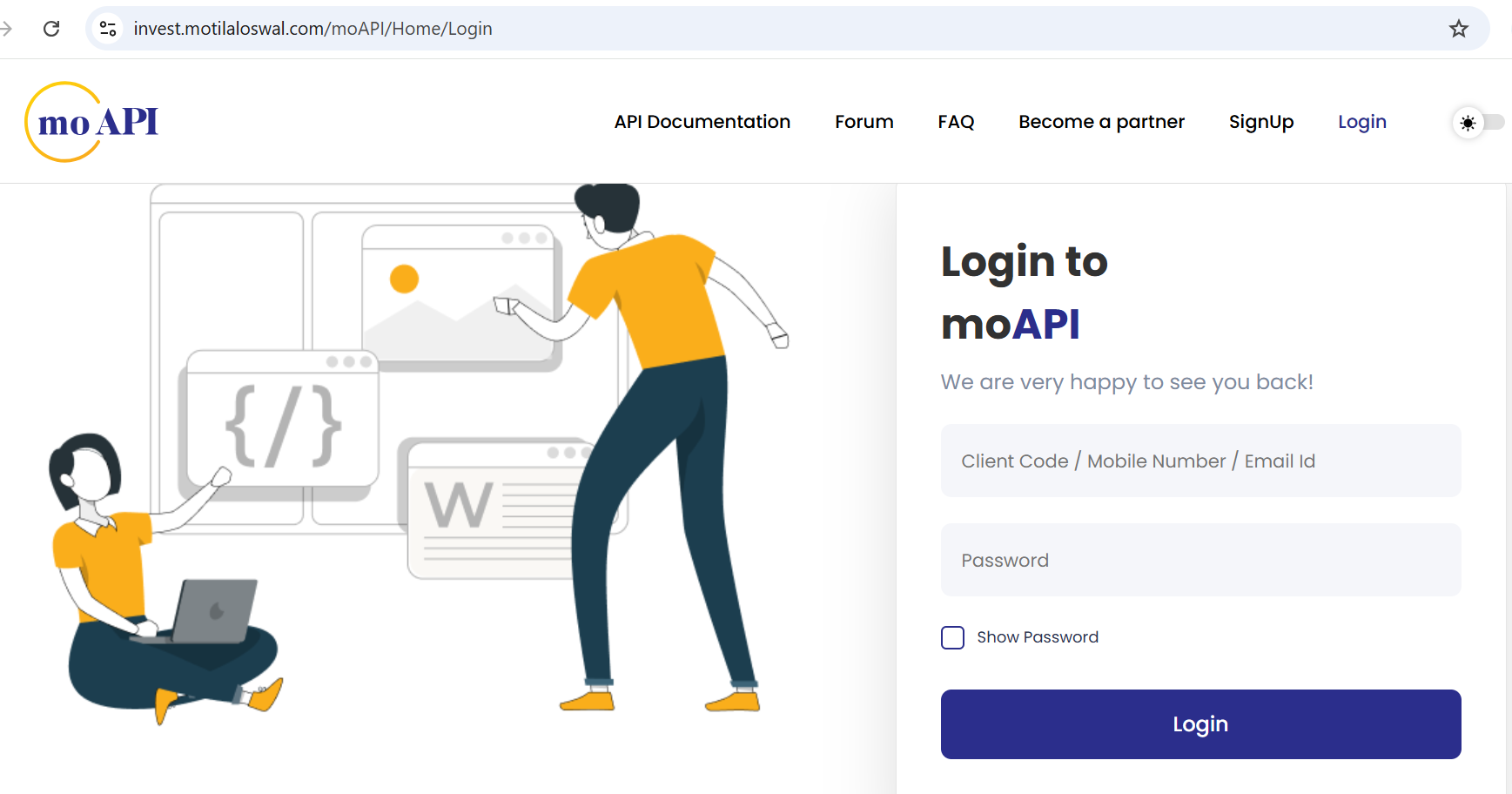
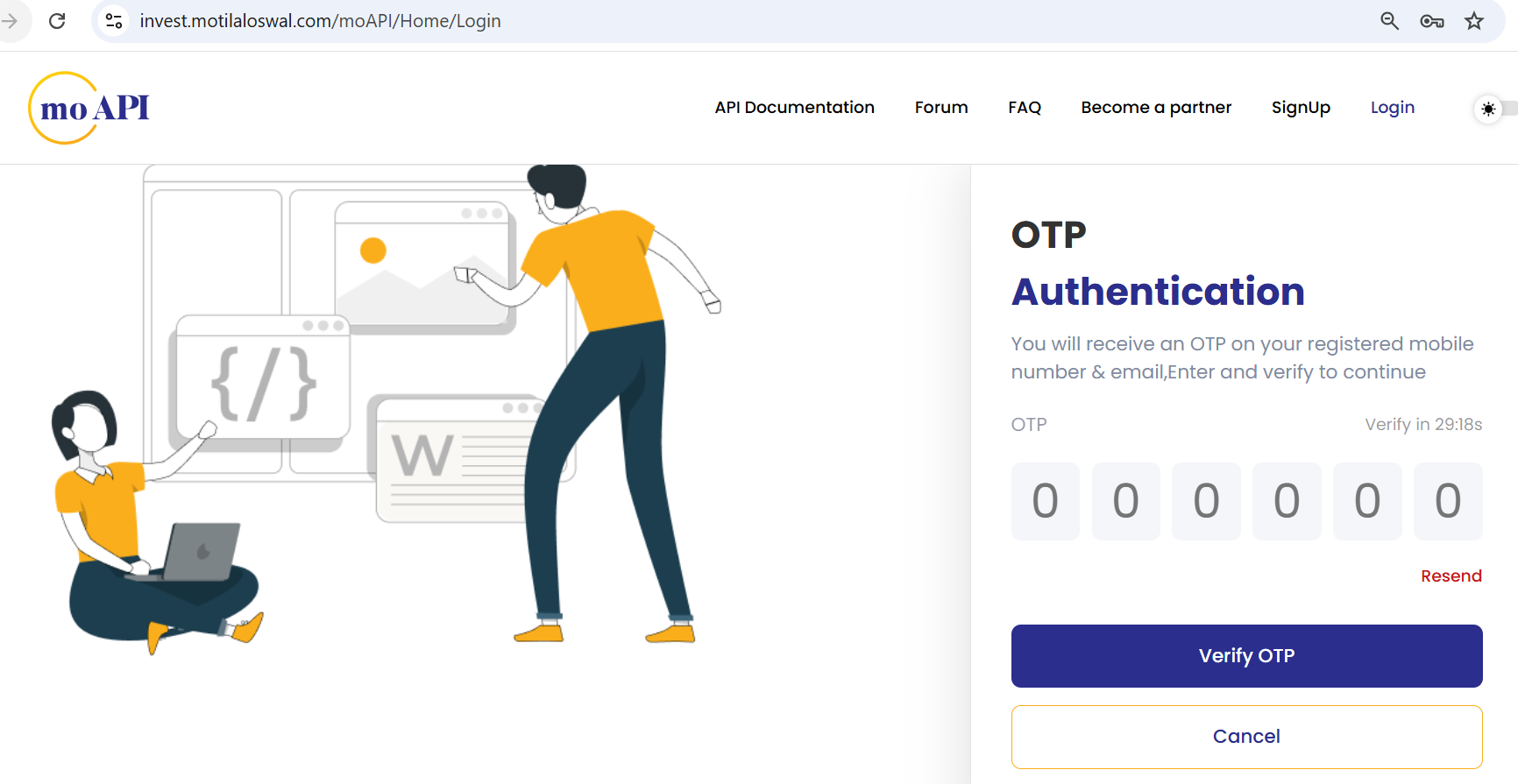
- Navigate to My APIs
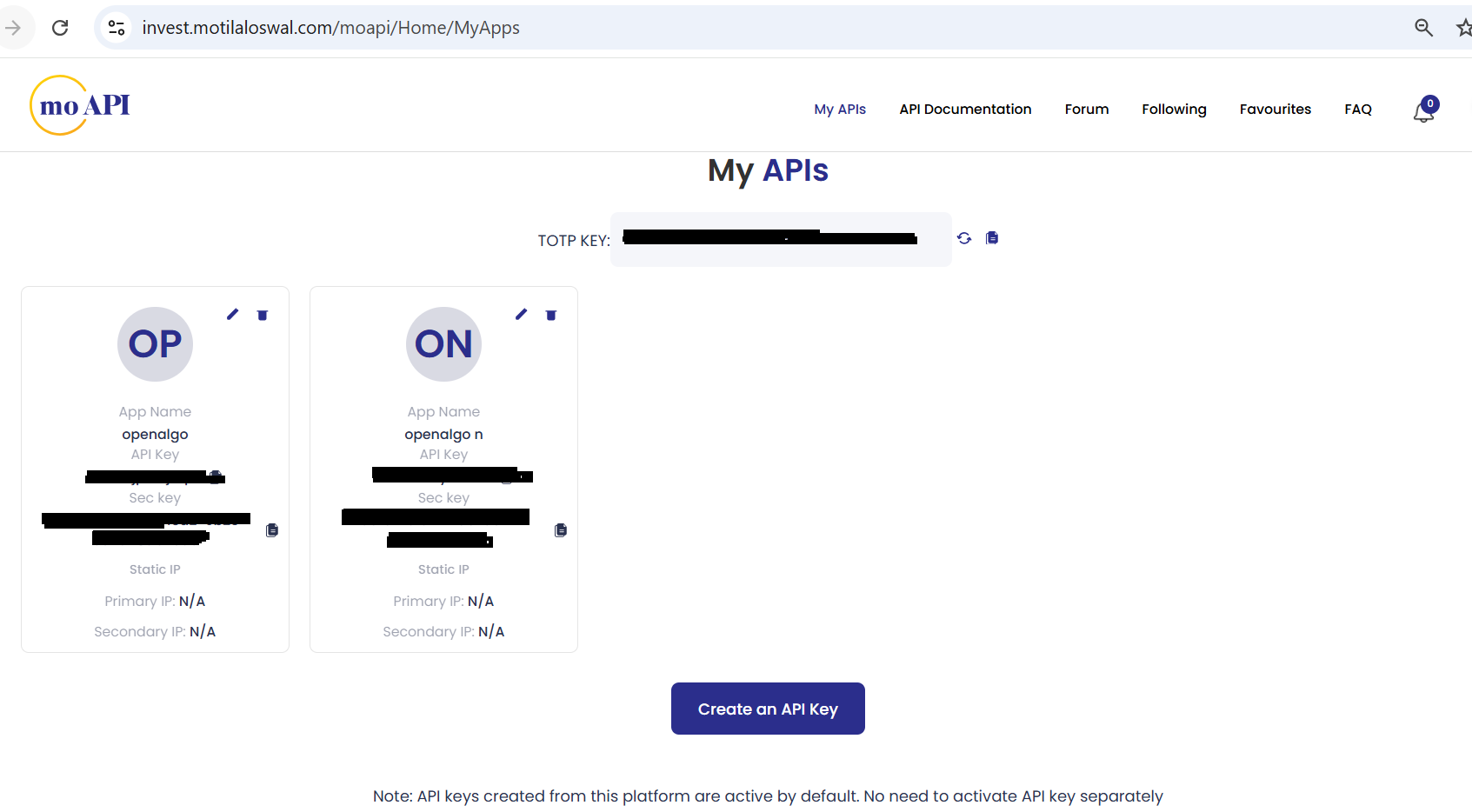
- Set Up TOTP - Copy the 32-character secret key and Add this key to your preferred authenticator app
- Click on Create on API Key
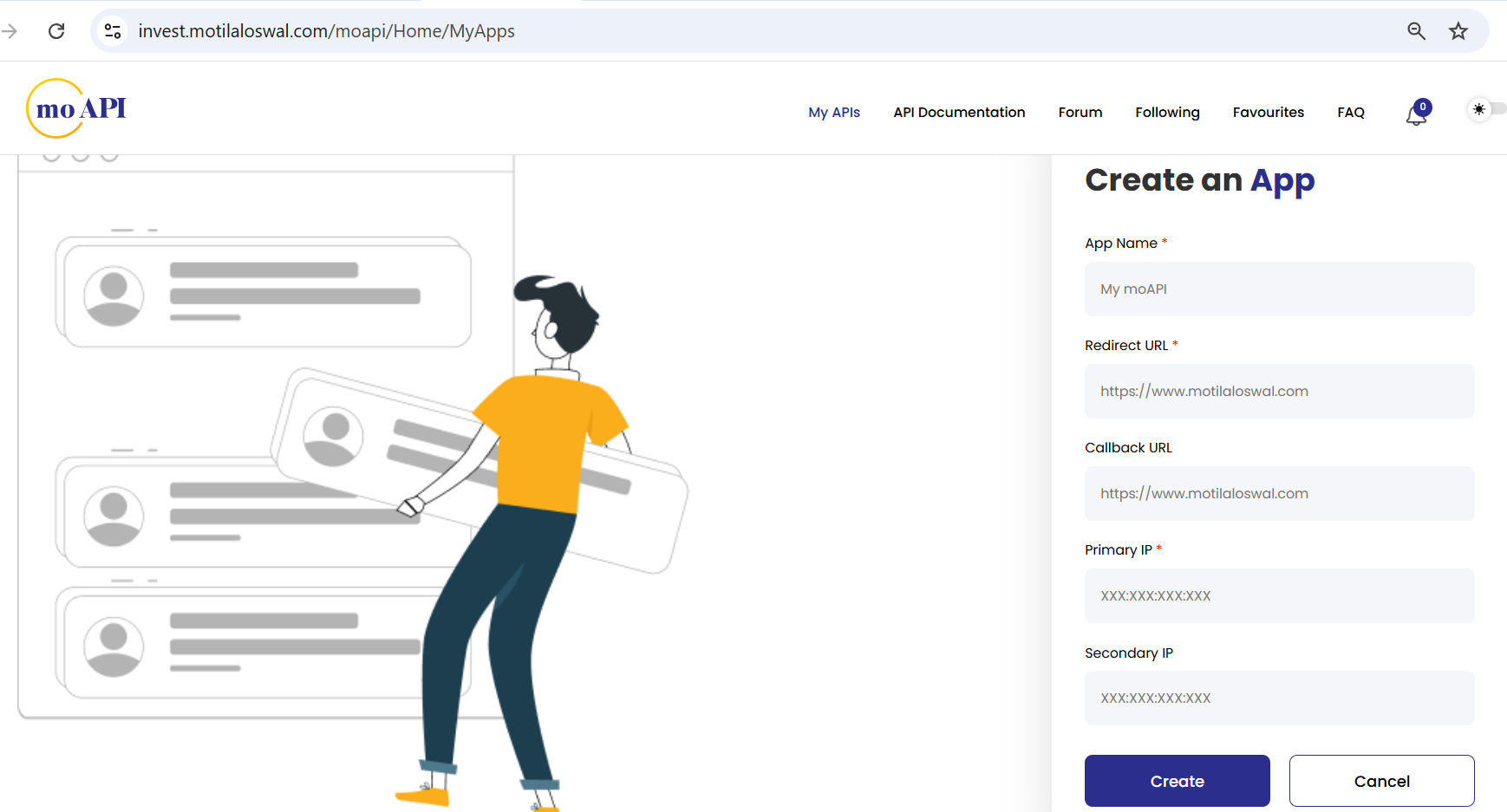
- Fill in the required details:
- App Name: Your application name (e.g., "Tradeboard Trading")
- Redirect URL:
http://127.0.0.1:5000/motilal/callback
- Submit the registration
Step 3: Obtain Your API Key
- Your trading account number or Client Code will be your API Key.
- Copy the API Key generated and use as your API Secret
Configuration
Set up your environment variables in a .env file for motilal's :
# Motilal Oswal API Configuration
BROKER_API_KEY = 'your_client_code' #Use your client code as api key
BROKER_API_SECRET = 'your_api_key_here'  #Use your generated API Key as API secret in .env file
REDIRECT_URL = 'http://127.0.0.1:5000/motilal/callback'
Logging in
Clicking Connect opens the Motilal Oswal login form. It asks for four values:
- User ID, your client code
- Password, your trading password (Tradeboard hashes it with the API key before sending it)
- TOTP, the 6-digit code from the authenticator app you set up in Step 2
- Date of Birth, the 2FA date in
DD/MM/YYYYformat
Integrating with Motilal APIs unlocks the ability to automate strategies, execute trades, and analyze data directly within your own infrastructure. When used with Tradeboard, you can self-host and run your entire algo trading stack, with full control and zero vendor lock-in.
Supported Exchanges
Tradeboard reads this plugin's exchange list from broker/motilal/plugin.json and serves it to the app, so symbol search, the Strategy Builder and the tools pages only offer what the plugin actually handles.
- Tradable:
NSE,BSE,NFO,BFO,CDS,MCX - Index feeds:
NSE_INDEX,BSE_INDEX